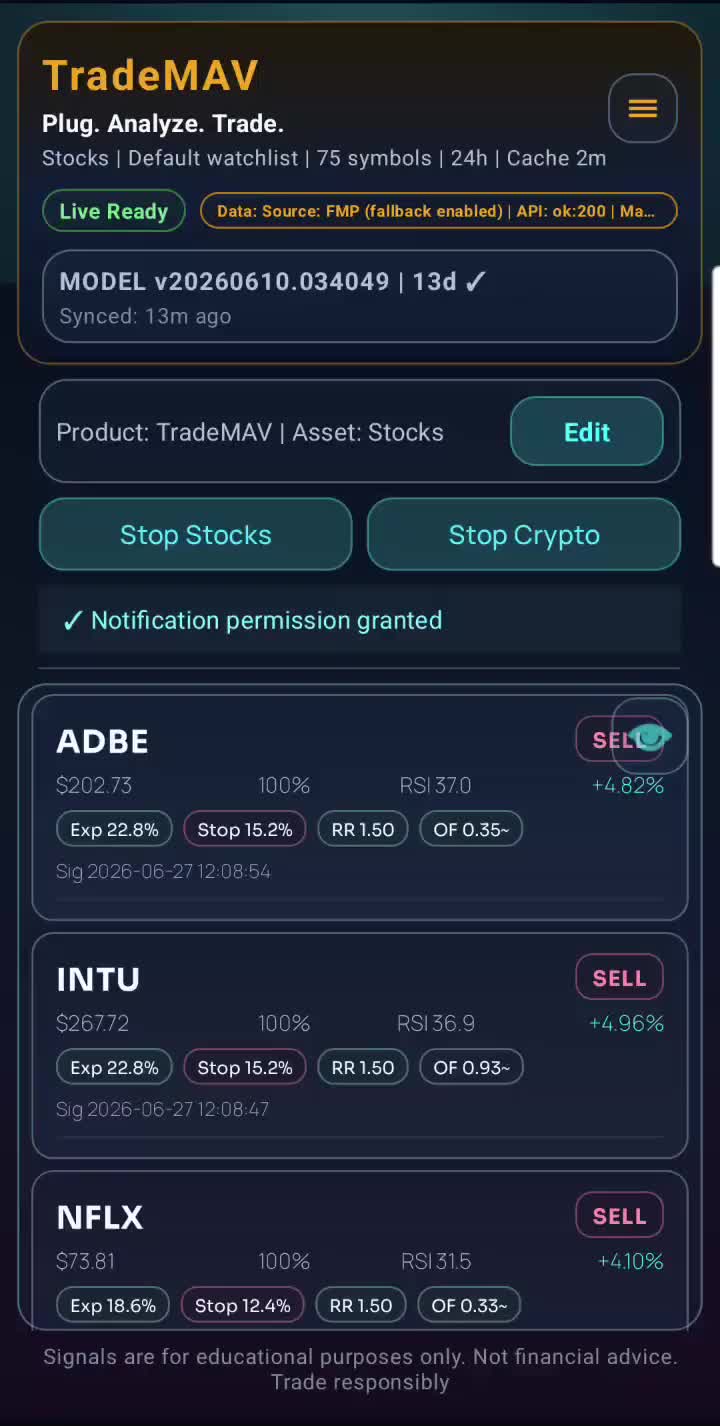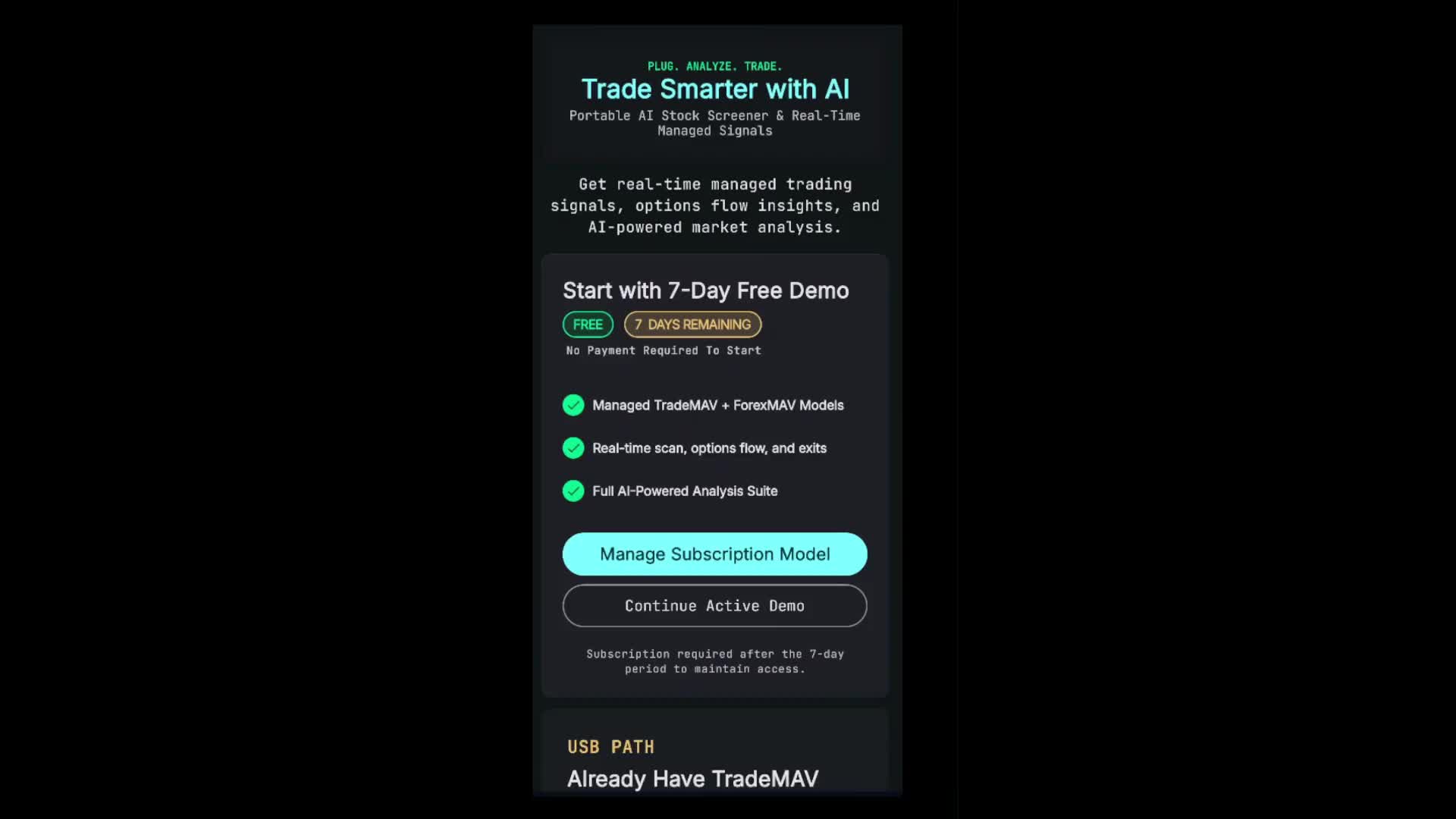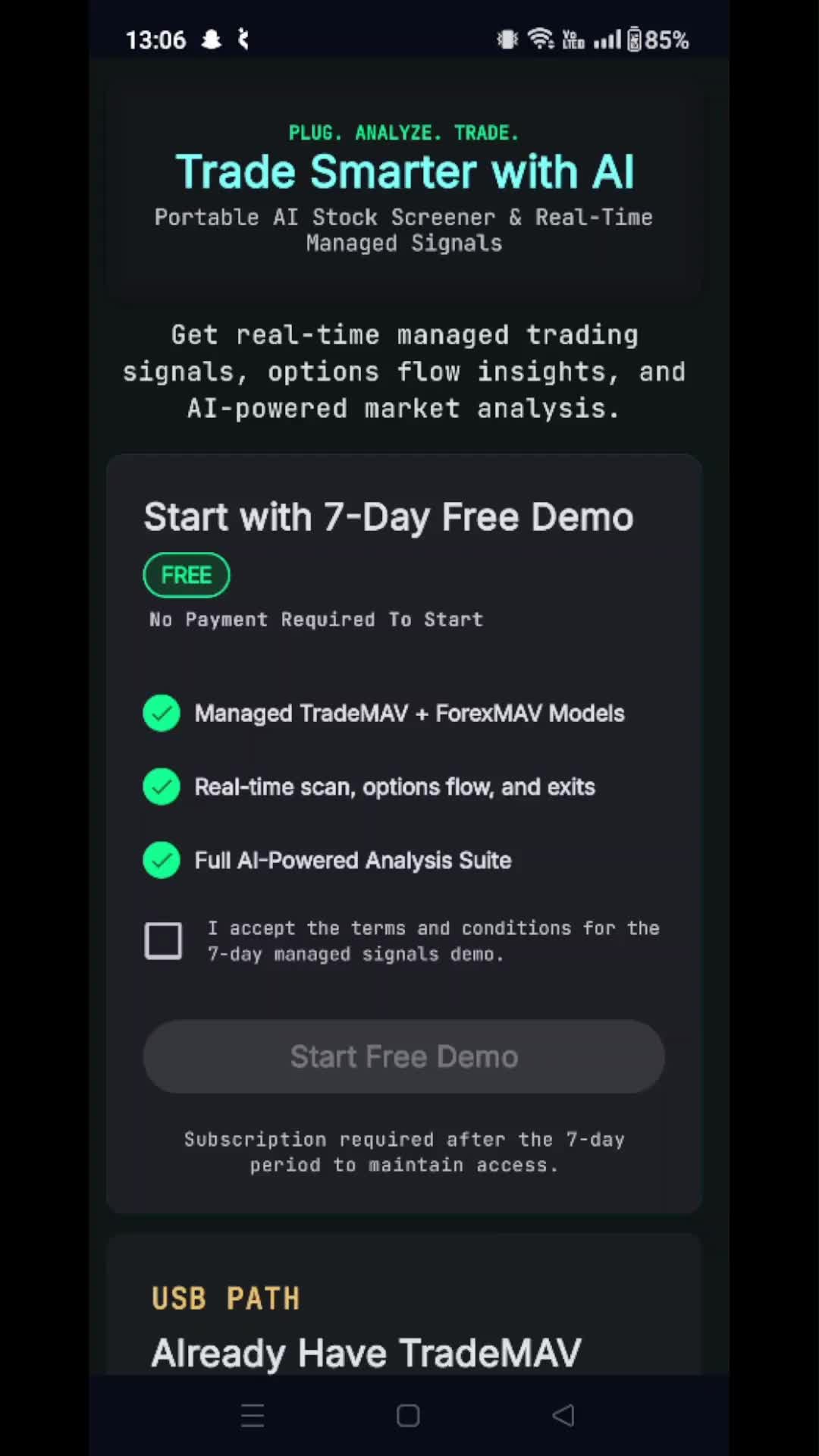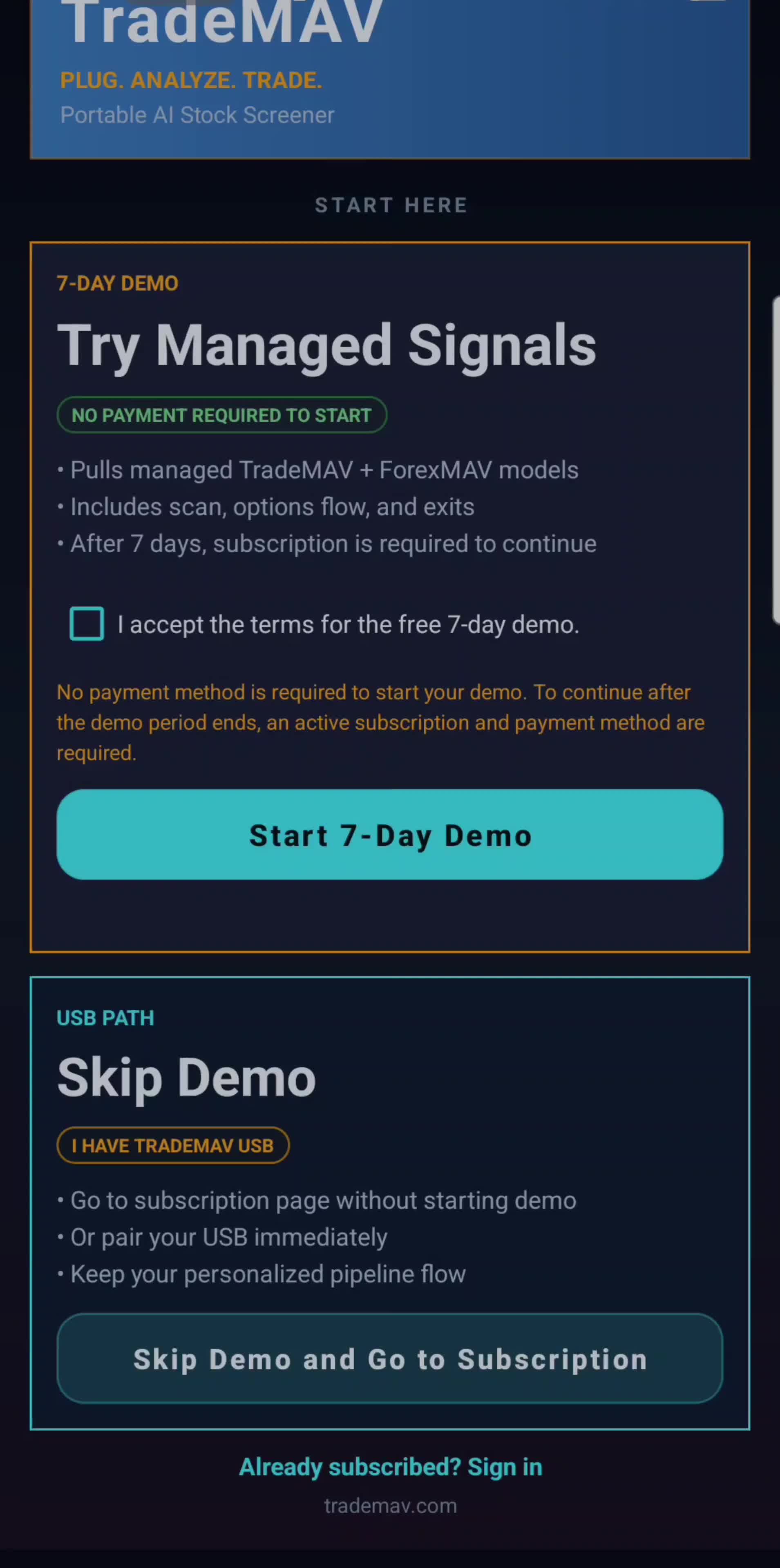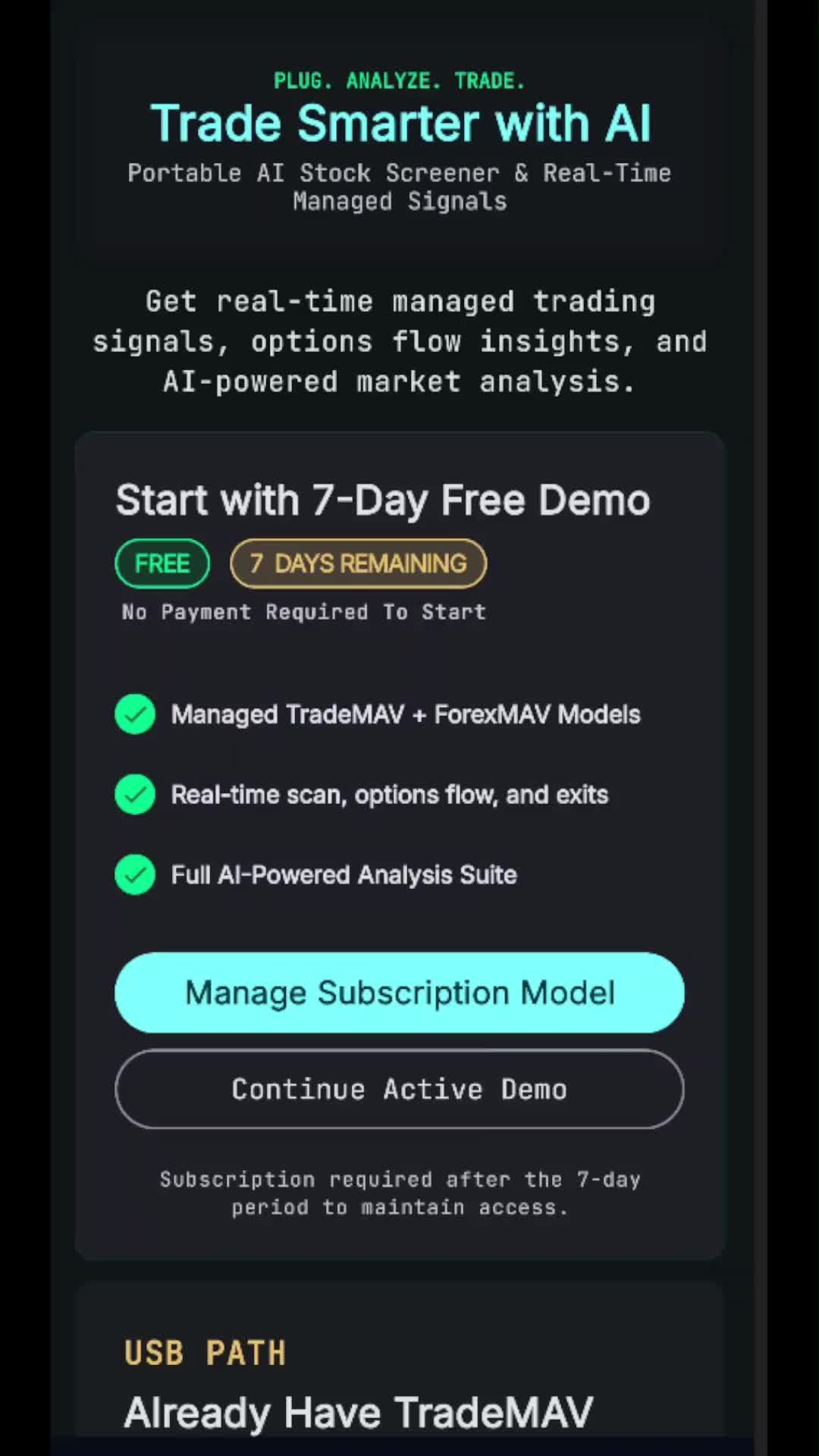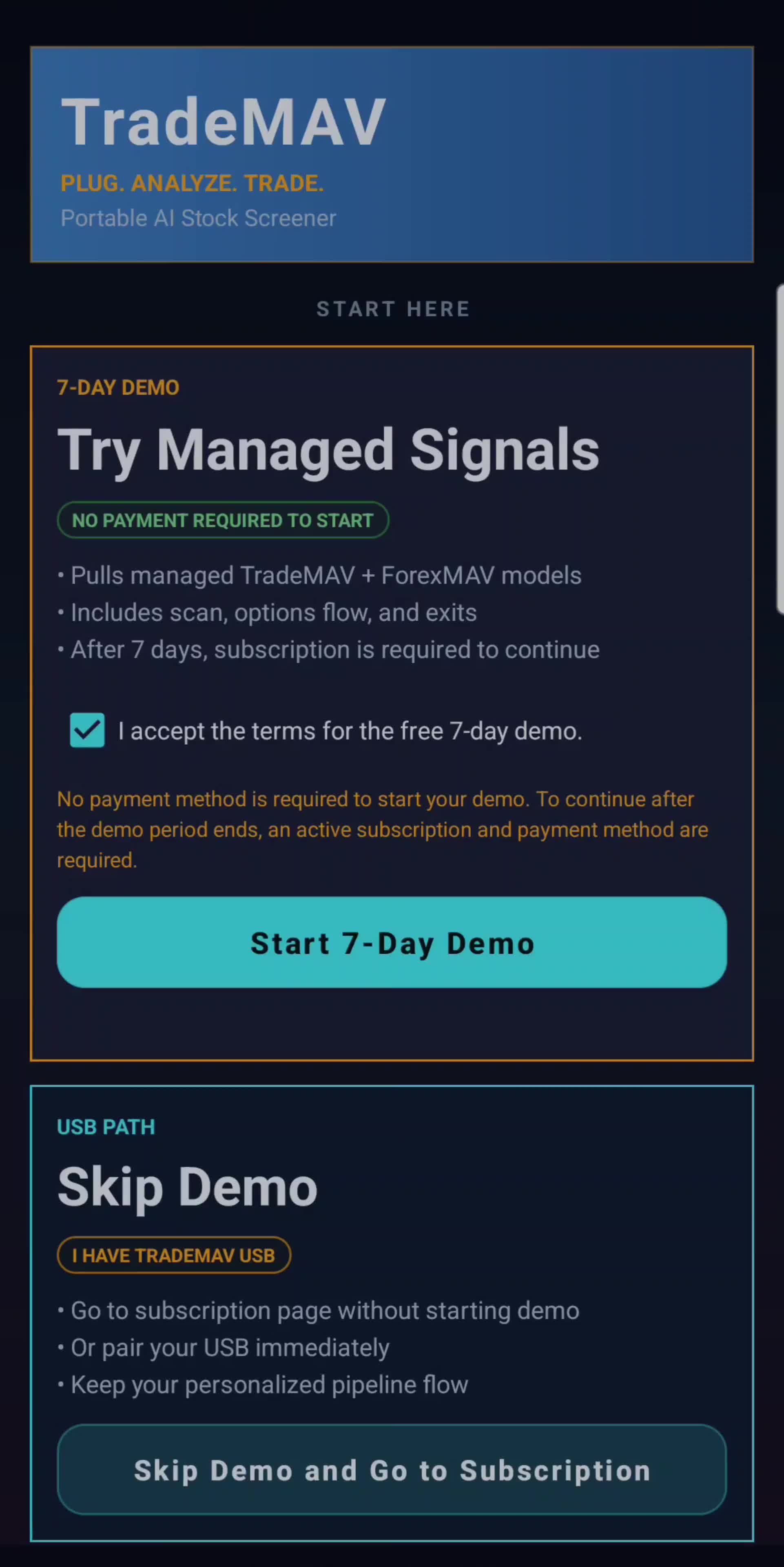
Demo Activation
< Back

TradeMAV App

Walkthrough videos to make the most of your app
  • Demo Activation

    01:07

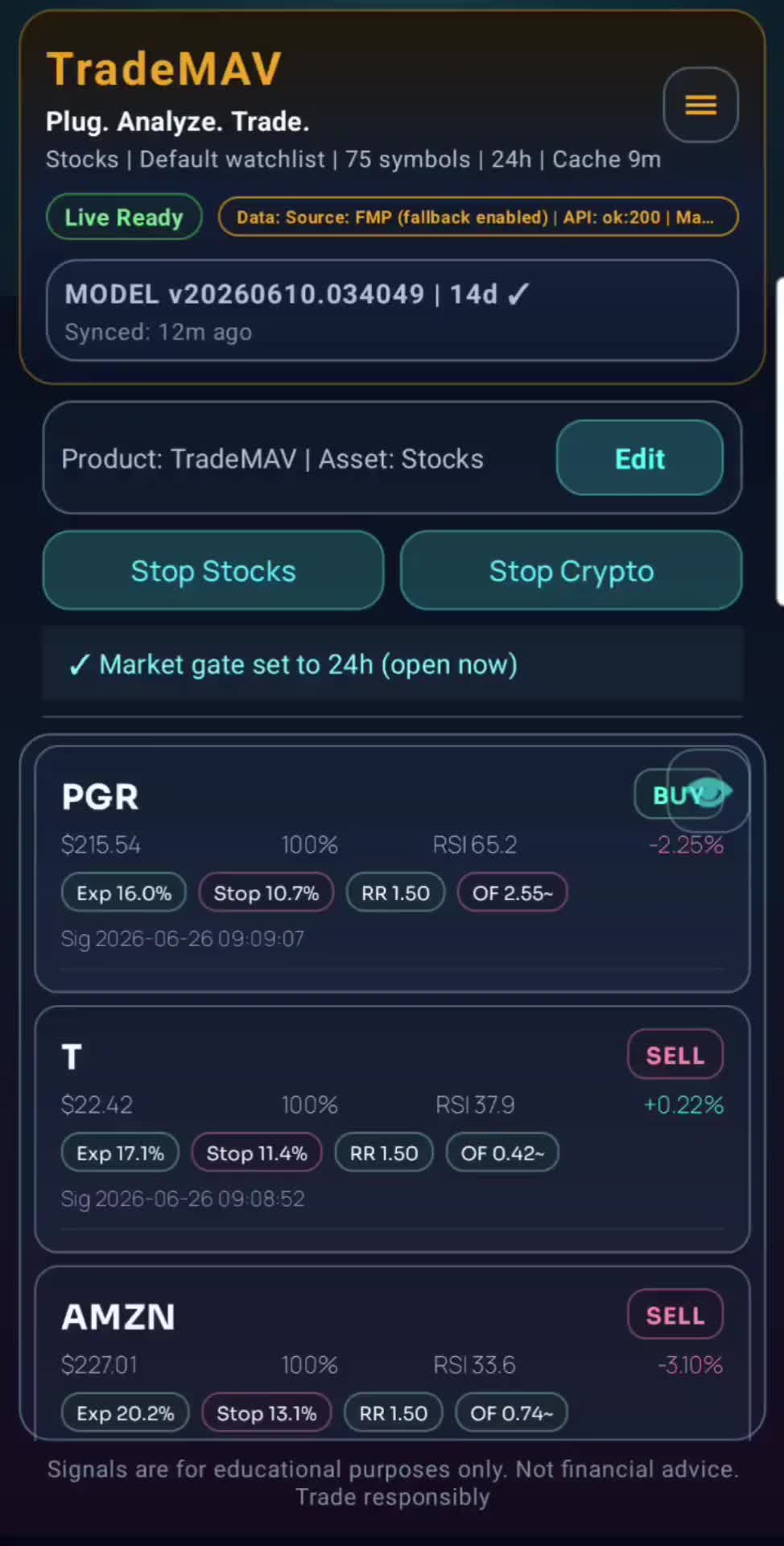
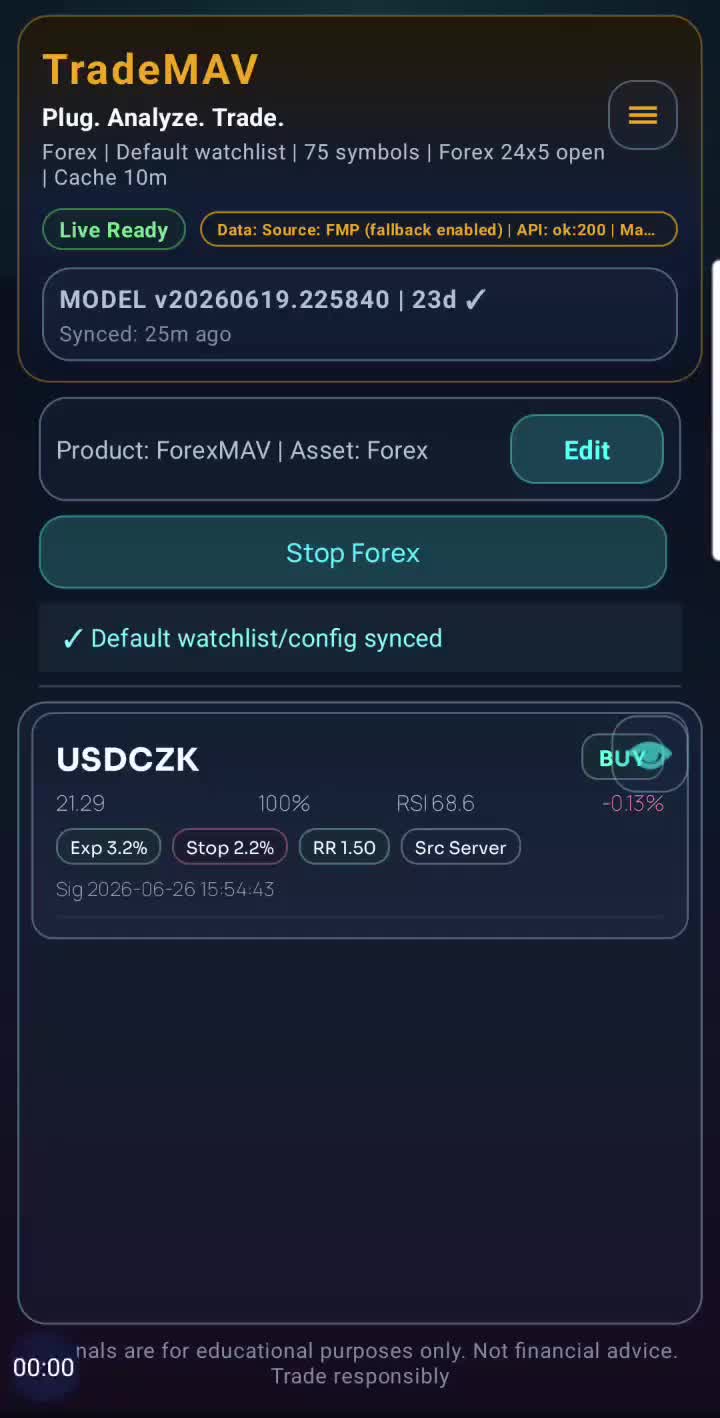
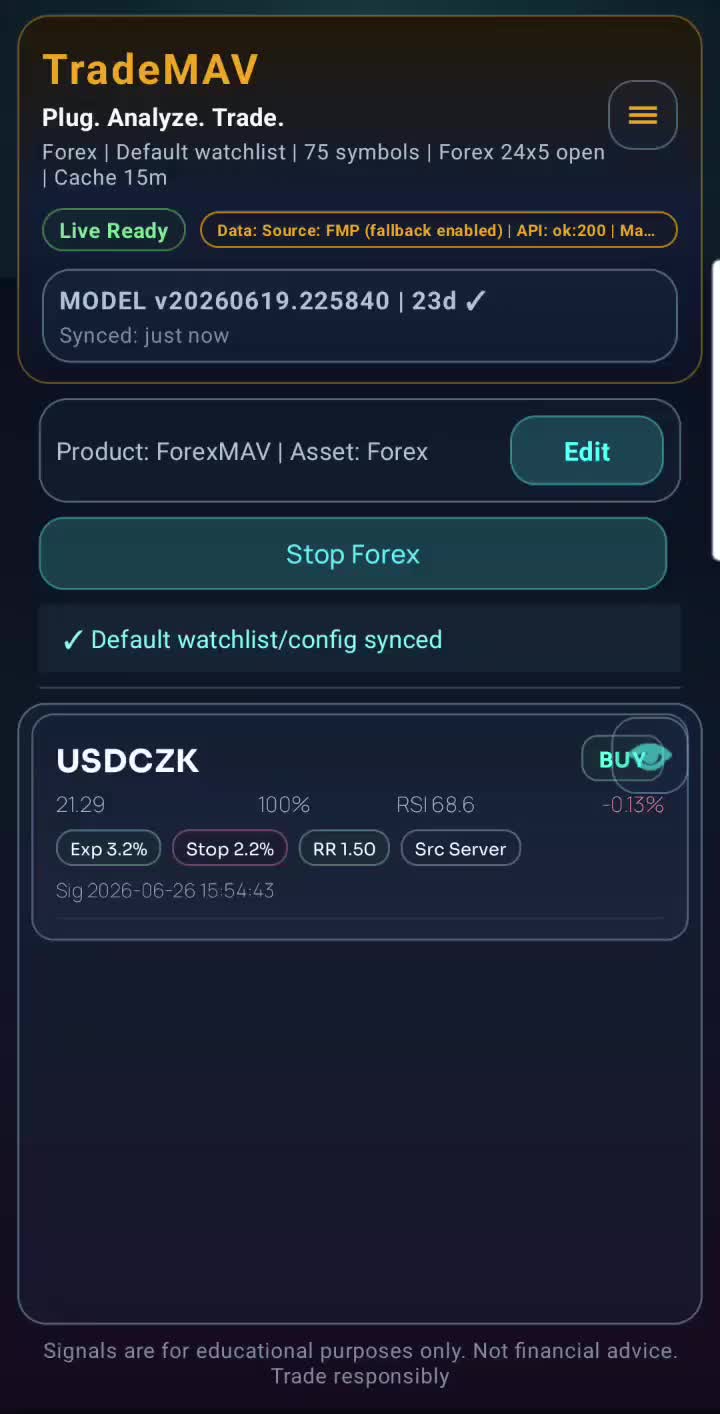
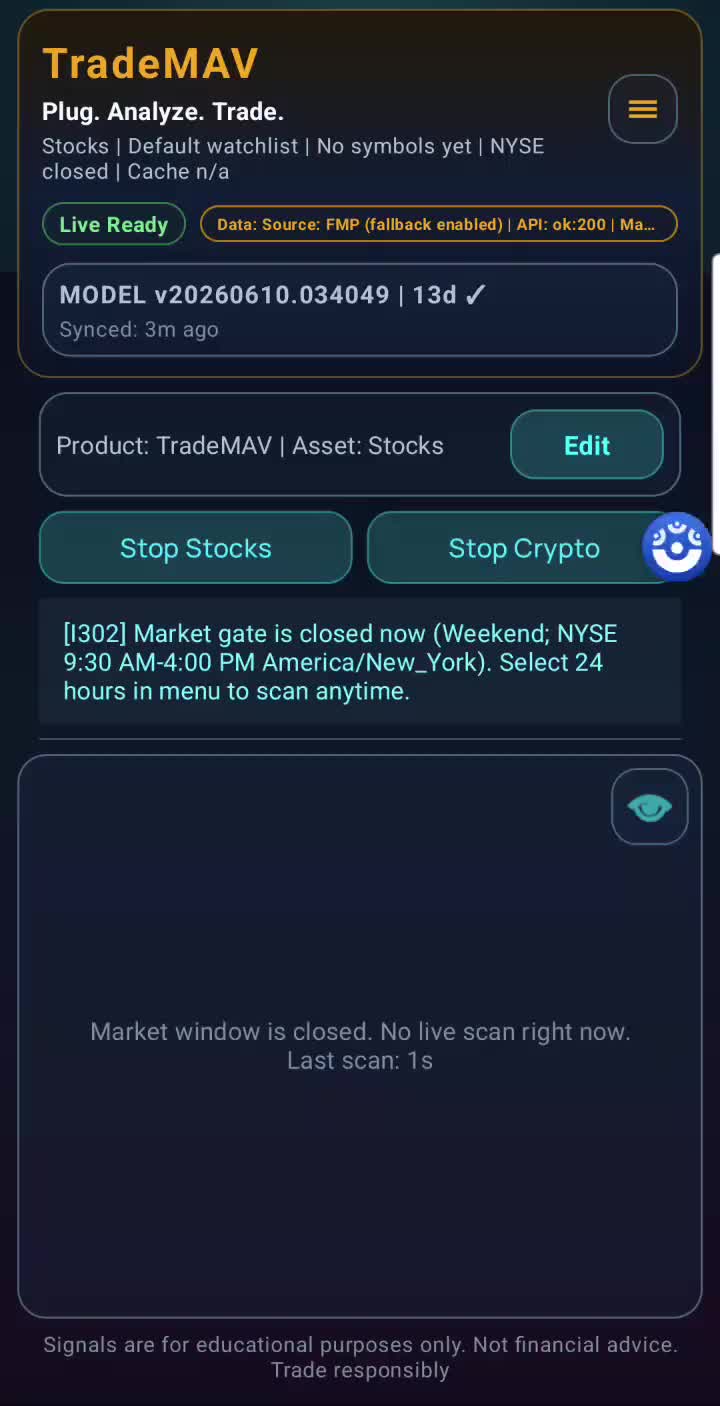
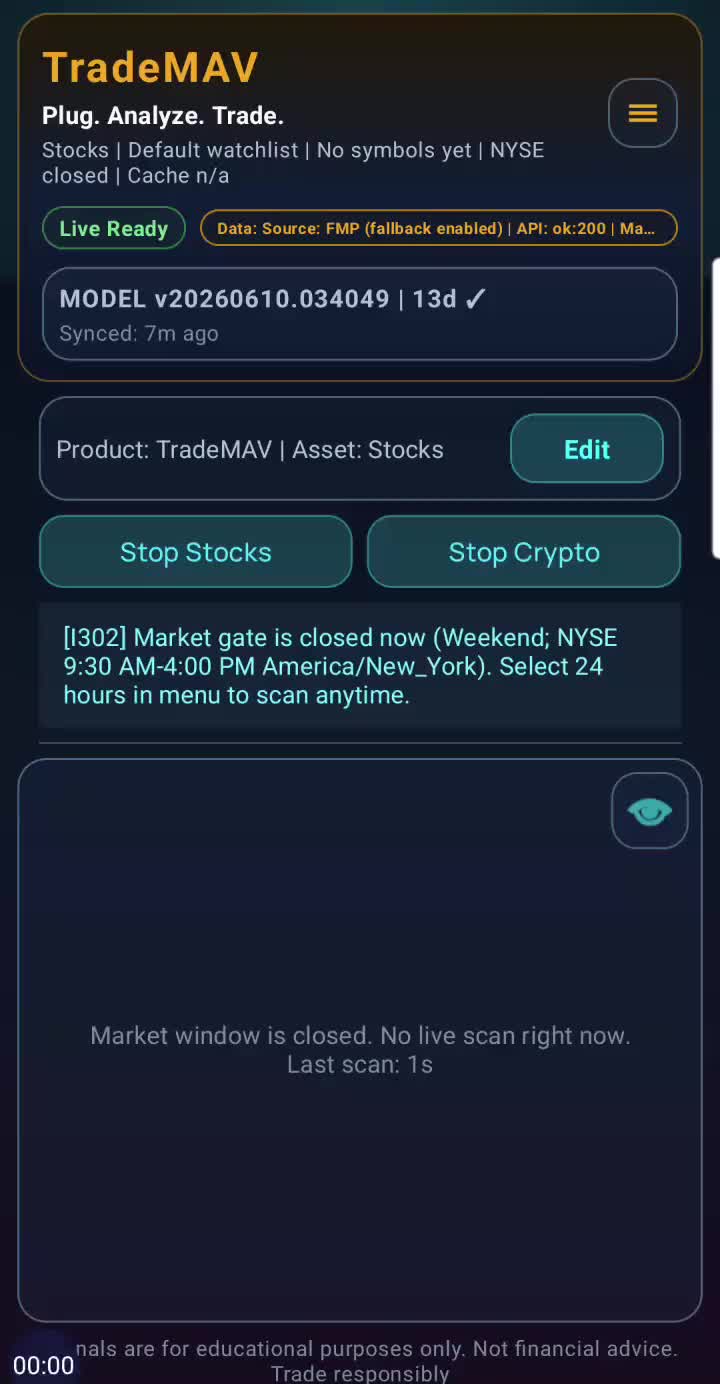
    Step-by-step guide on how to test out the app and claim a full 7 day free demo using just your email account.

    Demo Activation

    AI wand icon
    Transcript translations are generated by AI.
    Please excuse mistakes in translation.
    timeline icon timeline icon timeline icon timeline icon
    Timeline
    Use the AI button above to generate, or click below to upload your own captions.
    AI transcript unavailable. Click below to upload your own captions.
    Click below to upload your own captions.

    Captions and Chapters
    Select a language then choose an option below to upload captions, chapters or add them manually.

    Uploaded
  • How to Subscribe

    01:01

    This video provides a step-by-step guide on how to view and purchase subscription plans on Trademav. It covers choosing a model, selecting a plan, entering payment information, and completing the transaction. The video ends with a reminder to restart the app and a message of thanks and well wishes.

    How to Subscribe

    AI wand icon
    Transcript translations are generated by AI.
    Please excuse mistakes in translation.
    timeline icon timeline icon timeline icon timeline icon
    Timeline
    Use the AI button above to generate, or click below to upload your own captions.
    AI transcript unavailable. Click below to upload your own captions.
    Click below to upload your own captions.

    Captions and Chapters
    Select a language then choose an option below to upload captions, chapters or add them manually.

    Uploaded
  • Sign In to the App

    00:35

    The video covers the steps to sign in after purchasing a subscription, including restarting the app, selecting the subscription plan, entering your email and username, and accessing the main screen.

    Sign In to the App

    AI wand icon
    Transcript translations are generated by AI.
    Please excuse mistakes in translation.
    timeline icon timeline icon timeline icon timeline icon
    Timeline
    Use the AI button above to generate, or click below to upload your own captions.
    AI transcript unavailable. Click below to upload your own captions.
    Click below to upload your own captions.

    Captions and Chapters
    Select a language then choose an option below to upload captions, chapters or add them manually.

    Uploaded
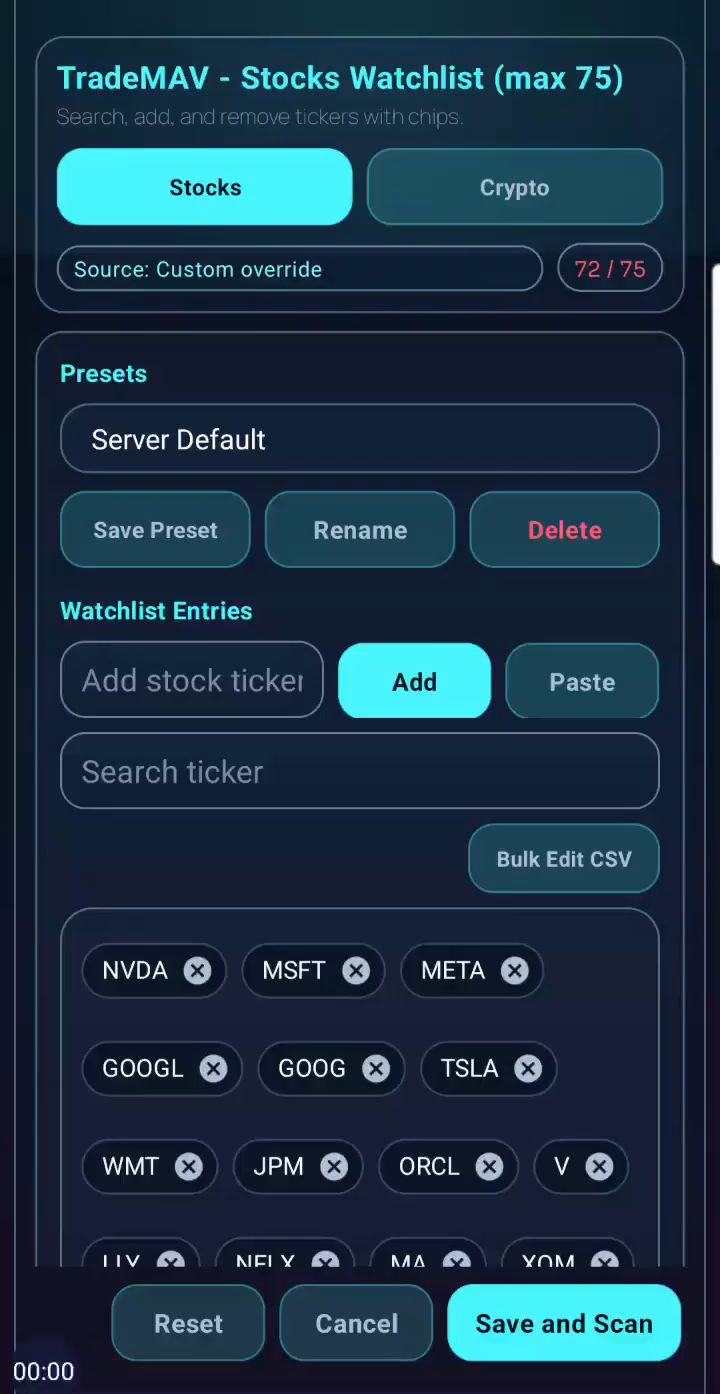
  • Adding >75 tickers

    01:05

    This video explains how to add more than 75 tickers to your app by using a premium platform key and selecting different premium partners.

    Adding >75 tickers

    AI wand icon
    Transcript translations are generated by AI.
    Please excuse mistakes in translation.
    timeline icon timeline icon timeline icon timeline icon
    Timeline
    Use the AI button above to generate, or click below to upload your own captions.
    AI transcript unavailable. Click below to upload your own captions.
    Click below to upload your own captions.

    Captions and Chapters
    Select a language then choose an option below to upload captions, chapters or add them manually.

    Uploaded
  • Add Premium platforms

    01:05

    This video demonstrates how to configure the Premium Platform in your app, allowing access to premium features such as increased ticker limit and scan hours. It also explains how to input your FMP key and access available discounts.

    Add Premium platforms

    AI wand icon
    Transcript translations are generated by AI.
    Please excuse mistakes in translation.
    timeline icon timeline icon timeline icon timeline icon
    Timeline
    Use the AI button above to generate, or click below to upload your own captions.
    AI transcript unavailable. Click below to upload your own captions.
    Click below to upload your own captions.

    Captions and Chapters
    Select a language then choose an option below to upload captions, chapters or add them manually.

    Uploaded
  • 24 hours scan

    00:44

    This video demonstrates how to configure an app to scan 24 hours a day for market timing and generate signals for trading.

    24 hours scan

    AI wand icon
    Transcript translations are generated by AI.
    Please excuse mistakes in translation.
    timeline icon timeline icon timeline icon timeline icon
    Timeline
    Use the AI button above to generate, or click below to upload your own captions.
    AI transcript unavailable. Click below to upload your own captions.
    Click below to upload your own captions.

    Captions and Chapters
    Select a language then choose an option below to upload captions, chapters or add them manually.

    Uploaded
  • Background scanning

    01:06

    This video explains how to switch between on demand and background scanning in the TradeMAV app, as well as the potential limitations on certain phone models.

    Background scanning

    AI wand icon
    Transcript translations are generated by AI.
    Please excuse mistakes in translation.
    timeline icon timeline icon timeline icon timeline icon
    Timeline
    Use the AI button above to generate, or click below to upload your own captions.
    AI transcript unavailable. Click below to upload your own captions.
    Click below to upload your own captions.

    Captions and Chapters
    Select a language then choose an option below to upload captions, chapters or add them manually.

    Uploaded
  • Strategy presets

    01:31

    The video discusses the different presets available for changing strategy screening settings and how to customize them to fit your requirements. It also provides information on where to find resources to learn more about each preset.

    Strategy presets

    AI wand icon
    Transcript translations are generated by AI.
    Please excuse mistakes in translation.
    timeline icon timeline icon timeline icon timeline icon
    Timeline
    Use the AI button above to generate, or click below to upload your own captions.
    AI transcript unavailable. Click below to upload your own captions.
    Click below to upload your own captions.

    Captions and Chapters
    Select a language then choose an option below to upload captions, chapters or add them manually.

    Uploaded
  • Toggle Stocks/Crypto/Forex

    01:39

    This video demonstrates how to toggle between different products and assets within a trading platform. It covers the process of selecting different asset types, such as stocks, crypto, and forex, and editing watchlists and strategies within each asset type.

    Toggle Stocks/Crypto/Forex

    AI wand icon
    Transcript translations are generated by AI.
    Please excuse mistakes in translation.
    timeline icon timeline icon timeline icon timeline icon
    Timeline
    Use the AI button above to generate, or click below to upload your own captions.
    AI transcript unavailable. Click below to upload your own captions.
    Click below to upload your own captions.

    Captions and Chapters
    Select a language then choose an option below to upload captions, chapters or add them manually.

    Uploaded
  • Searching for stocks

    00:59

    The video shows how to check for supported tickers on the TradeMAV app, with over 25,000 tickers available. The methods for finding supported tickers are demonstrated, including searching in the Edit Watchlist and using the Supported tickers webpage.

    Searching for stocks

    AI wand icon
    Transcript translations are generated by AI.
    Please excuse mistakes in translation.
    timeline icon timeline icon timeline icon timeline icon
    Timeline
    Use the AI button above to generate, or click below to upload your own captions.
    AI transcript unavailable. Click below to upload your own captions.
    Click below to upload your own captions.

    Captions and Chapters
    Select a language then choose an option below to upload captions, chapters or add them manually.

    Uploaded
  • Adding International Tickers

    01:33

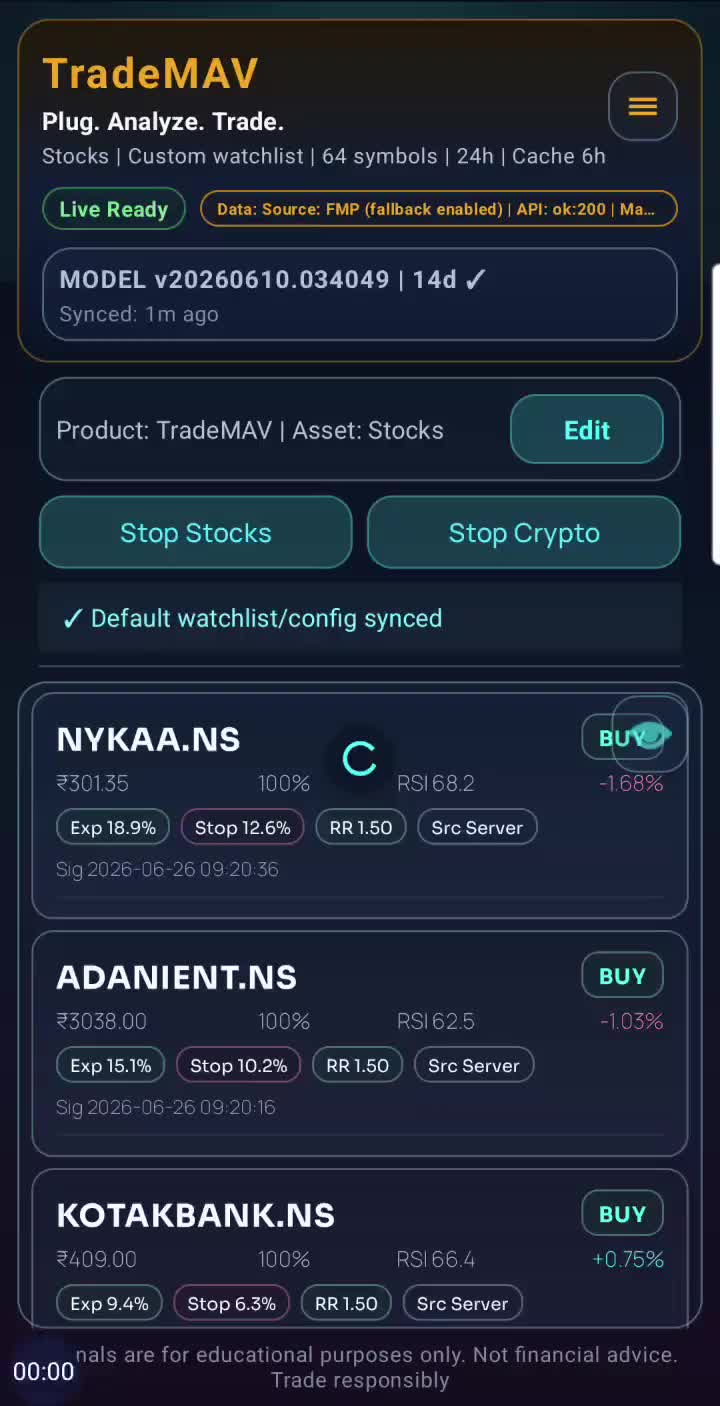
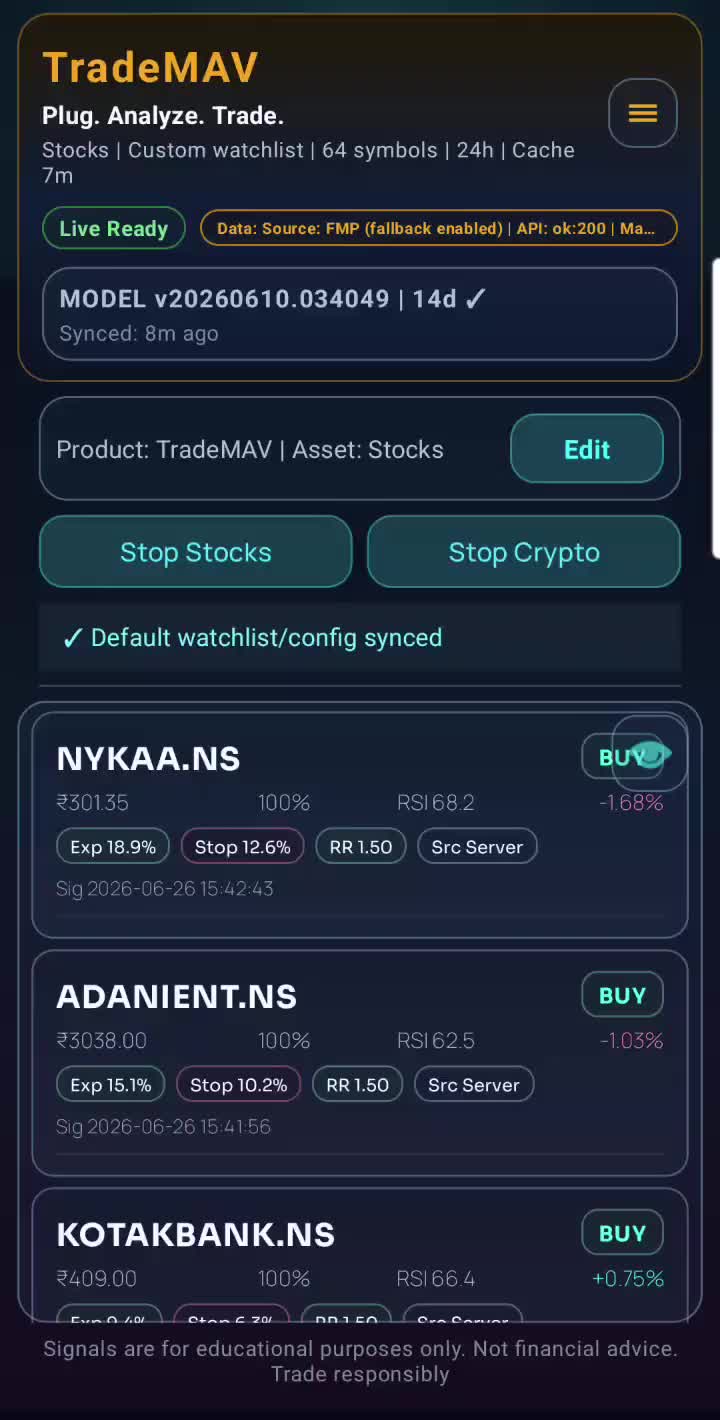
    The video demonstrates how to switch between different countries on the TradeMAV app, specifically focusing on switching to India-specific tickers and presets. It provides a step-by-step guide on how to change the watch list and add new tickers, as well as validating and scanning the watch list. The video concludes with successfully changing the watch list to the Indian list and generating signals.

    Adding International Tickers

    AI wand icon
    Transcript translations are generated by AI.
    Please excuse mistakes in translation.
    timeline icon timeline icon timeline icon timeline icon
    Timeline
    Use the AI button above to generate, or click below to upload your own captions.
    AI transcript unavailable. Click below to upload your own captions.
    Click below to upload your own captions.

    Captions and Chapters
    Select a language then choose an option below to upload captions, chapters or add them manually.

    Uploaded
  • Add tickers to watchlist

    01:11

    The video demonstrates how to add both NYSE and international tickers to a watch list, including the process for finding the ticker representation for international companies.

    Add tickers to watchlist

    AI wand icon
    Transcript translations are generated by AI.
    Please excuse mistakes in translation.
    timeline icon timeline icon timeline icon timeline icon
    Timeline
    Use the AI button above to generate, or click below to upload your own captions.
    AI transcript unavailable. Click below to upload your own captions.
    Click below to upload your own captions.

    Captions and Chapters
    Select a language then choose an option below to upload captions, chapters or add them manually.

    Uploaded
  • TradeMAV App starting Demo

    01:02

    This video demonstrates how to start a 7-day demo for the TradeMAV app after downloading it, without needing to input any credit card or payment information. It also highlights the features and benefits of using the app.

    TradeMAV App starting Demo

    AI wand icon
    Transcript translations are generated by AI.
    Please excuse mistakes in translation.
    timeline icon timeline icon timeline icon timeline icon
    Timeline
    Use the AI button above to generate, or click below to upload your own captions.
    AI transcript unavailable. Click below to upload your own captions.
    Click below to upload your own captions.

    Captions and Chapters
    Select a language then choose an option below to upload captions, chapters or add them manually.

    Uploaded
  • Pairing TradeMAV USB to app

    01:14

    A tutorial on pairing a TradeMAV USB to the TradeMAV app, including subscription, QR code generation, and successful pairing.

    Pairing TradeMAV USB to app

    AI wand icon
    Transcript translations are generated by AI.
    Please excuse mistakes in translation.
    timeline icon timeline icon timeline icon timeline icon
    Timeline
    Use the AI button above to generate, or click below to upload your own captions.
    AI transcript unavailable. Click below to upload your own captions.
    Click below to upload your own captions.

    Captions and Chapters
    Select a language then choose an option below to upload captions, chapters or add them manually.

    Uploaded
  • Demo Activation
  • How to Subscribe
  • Sign In to the App
  • Adding >75 tickers
  • Add Premium platforms
  • 24 hours scan
  • Background scanning
  • Strategy presets
  • Toggle Stocks/Crypto/Forex
  • Searching for stocks
  • Adding International Tickers
  • Add tickers to watchlist
  • TradeMAV App starting Demo
  • Pairing TradeMAV USB to app