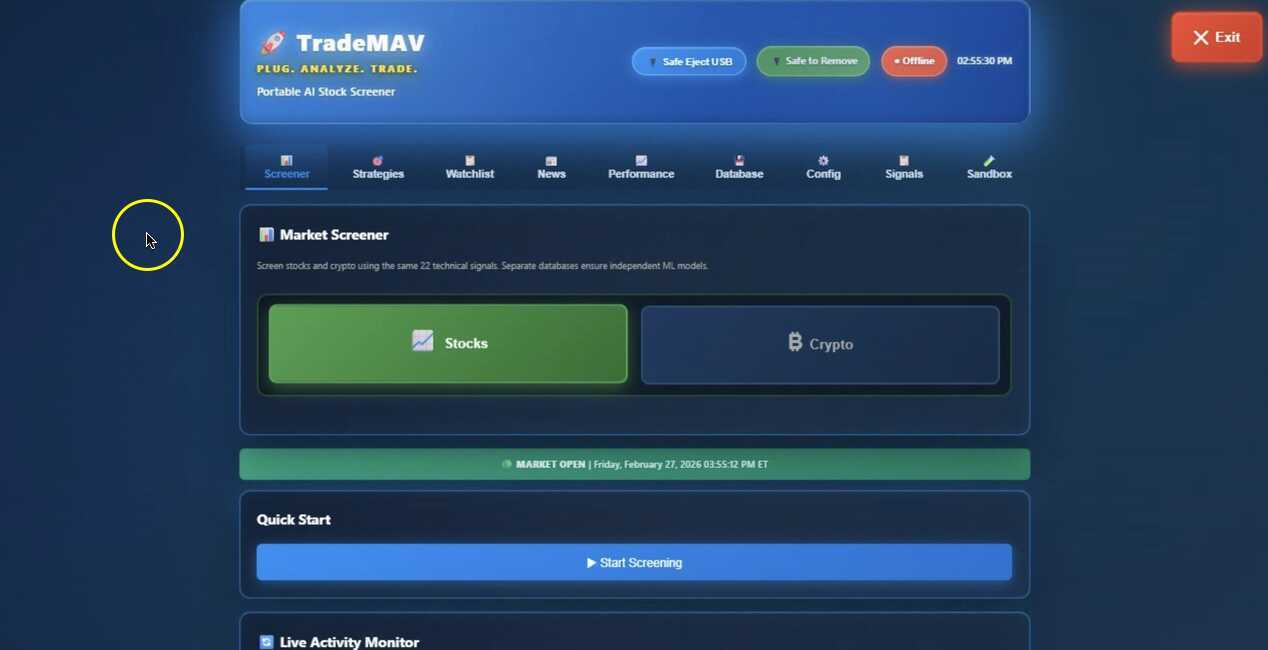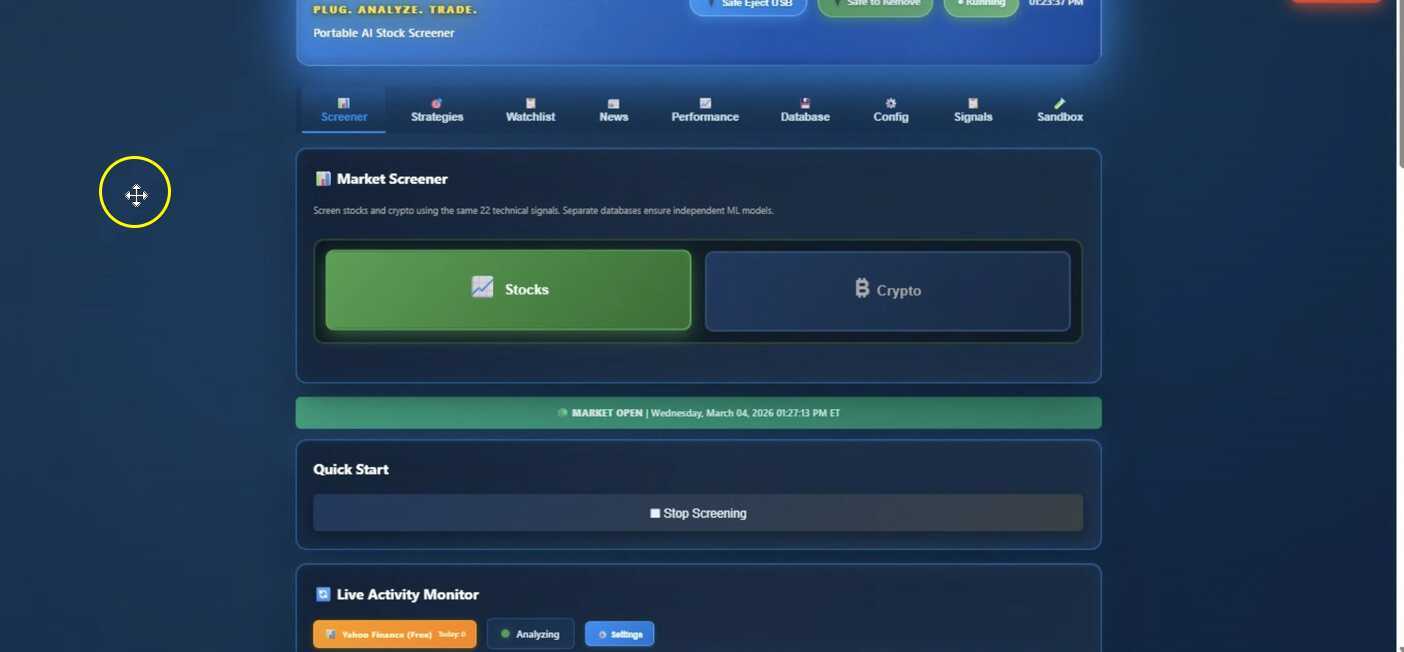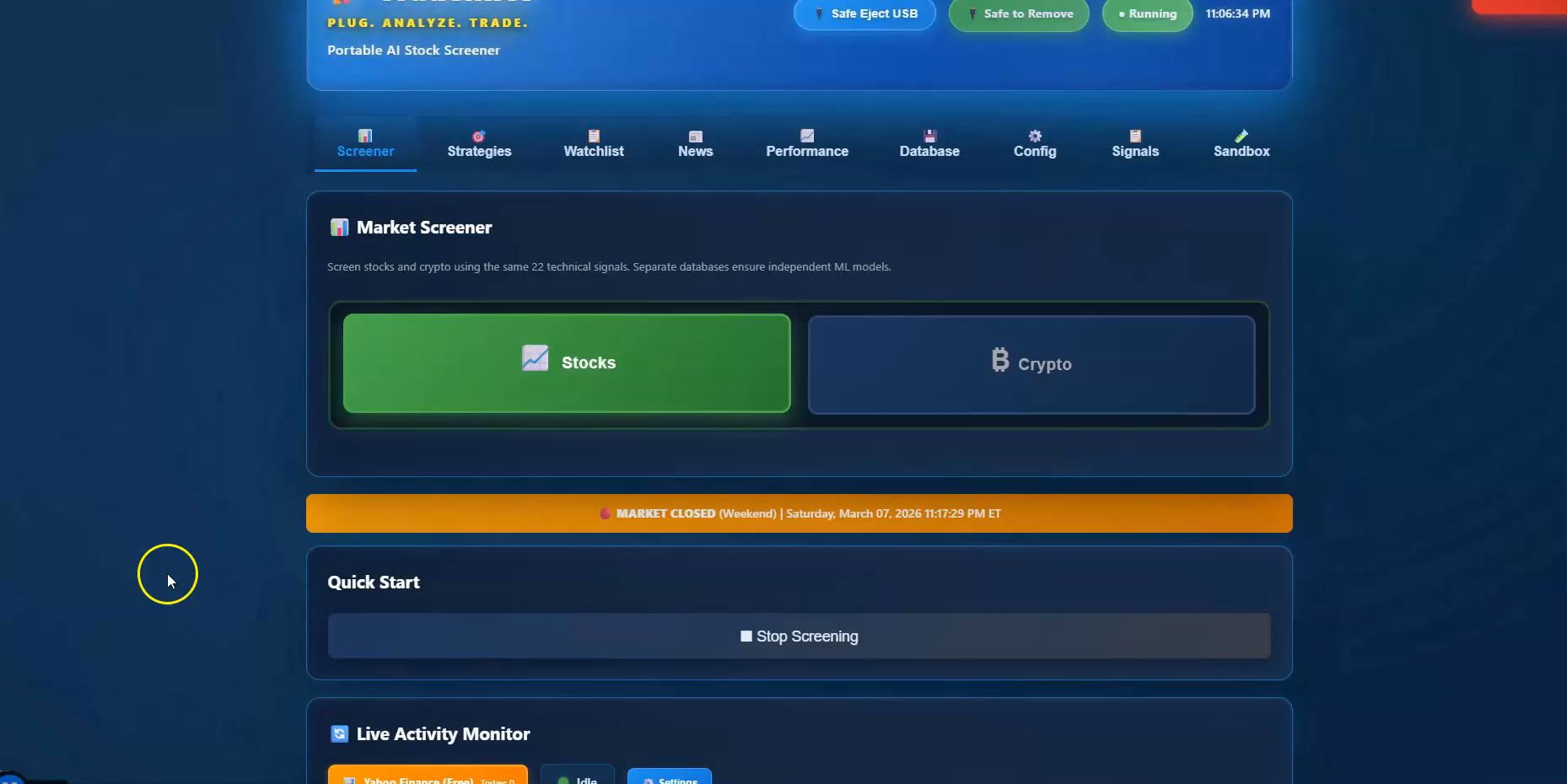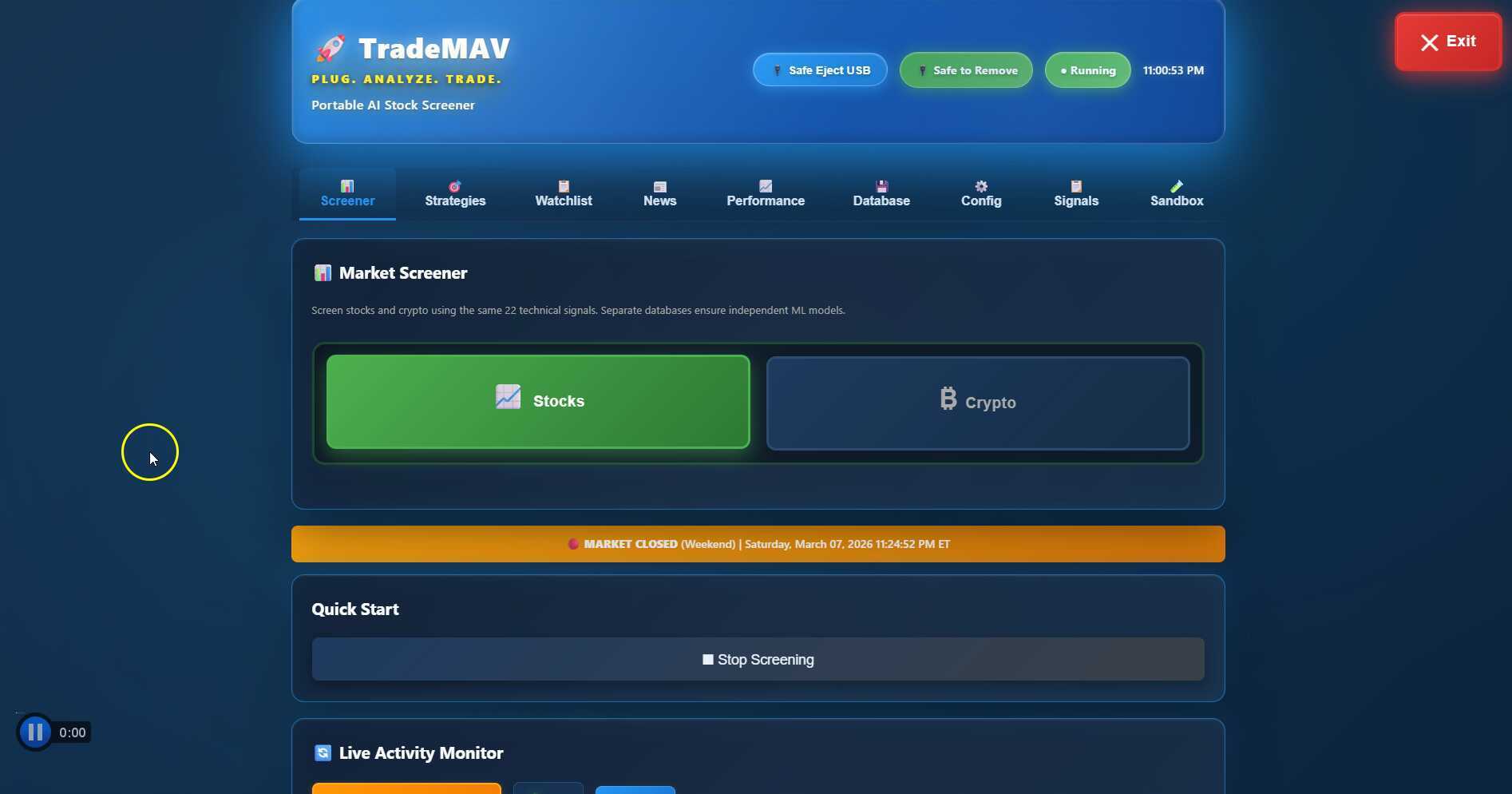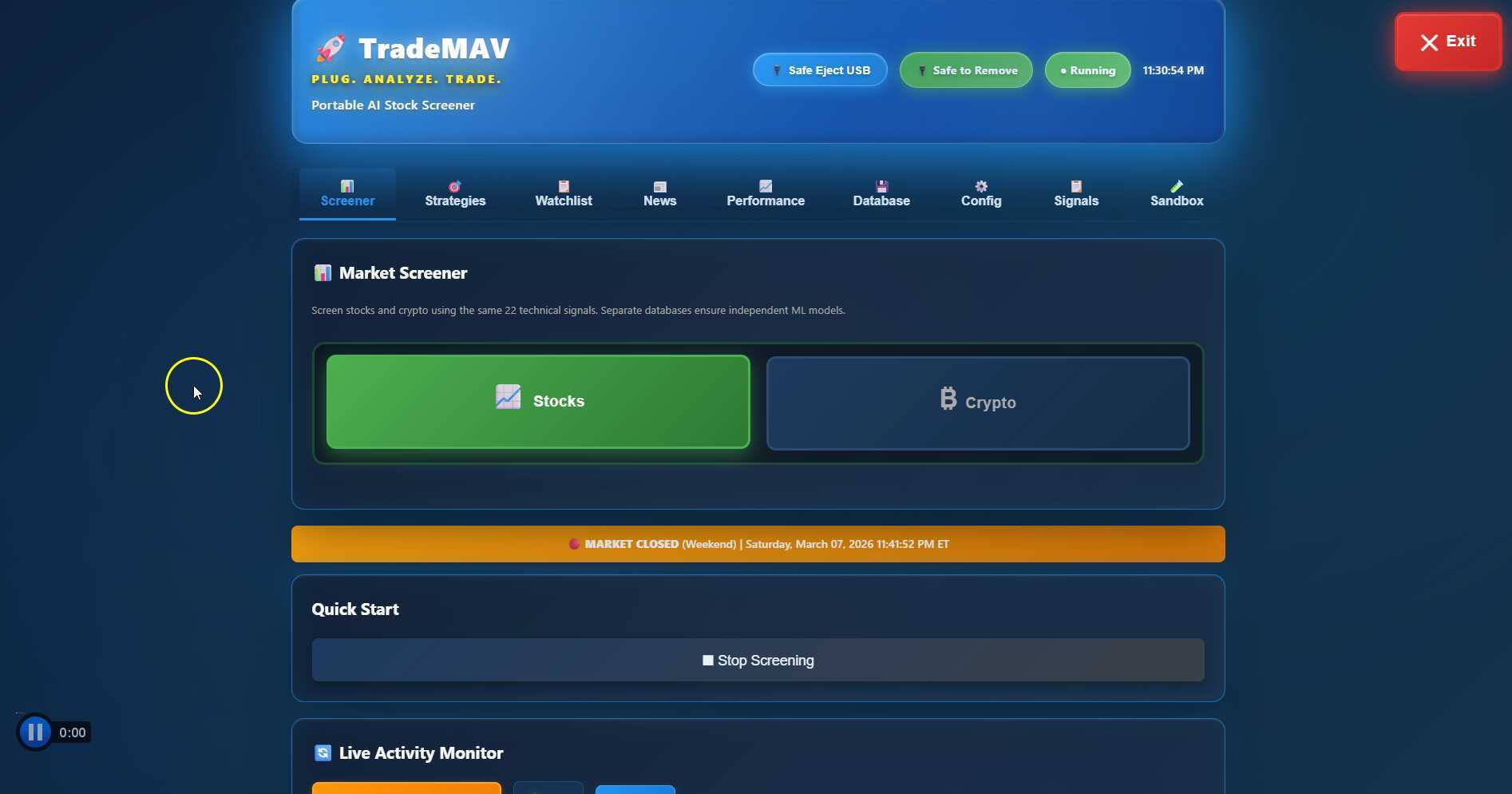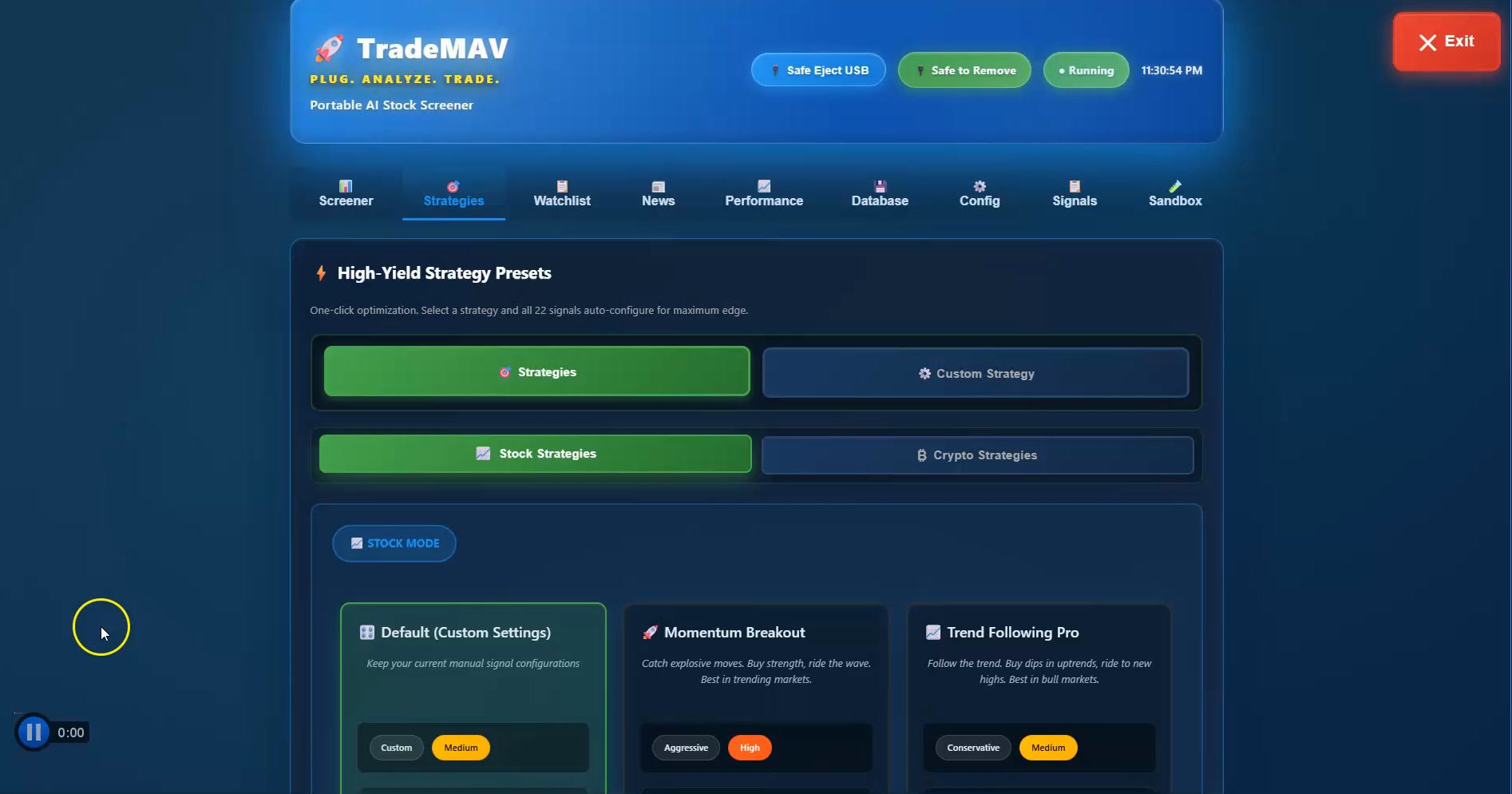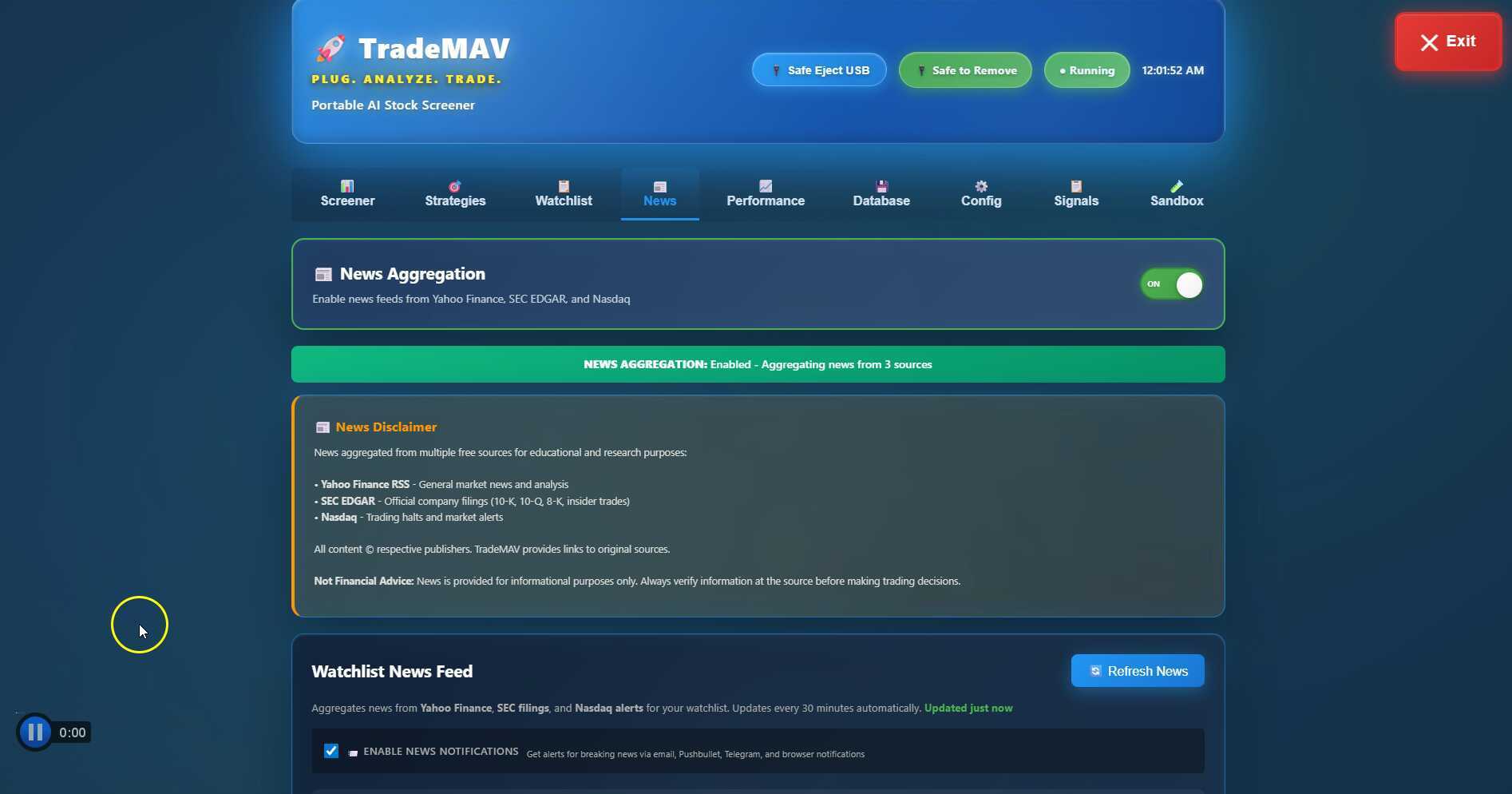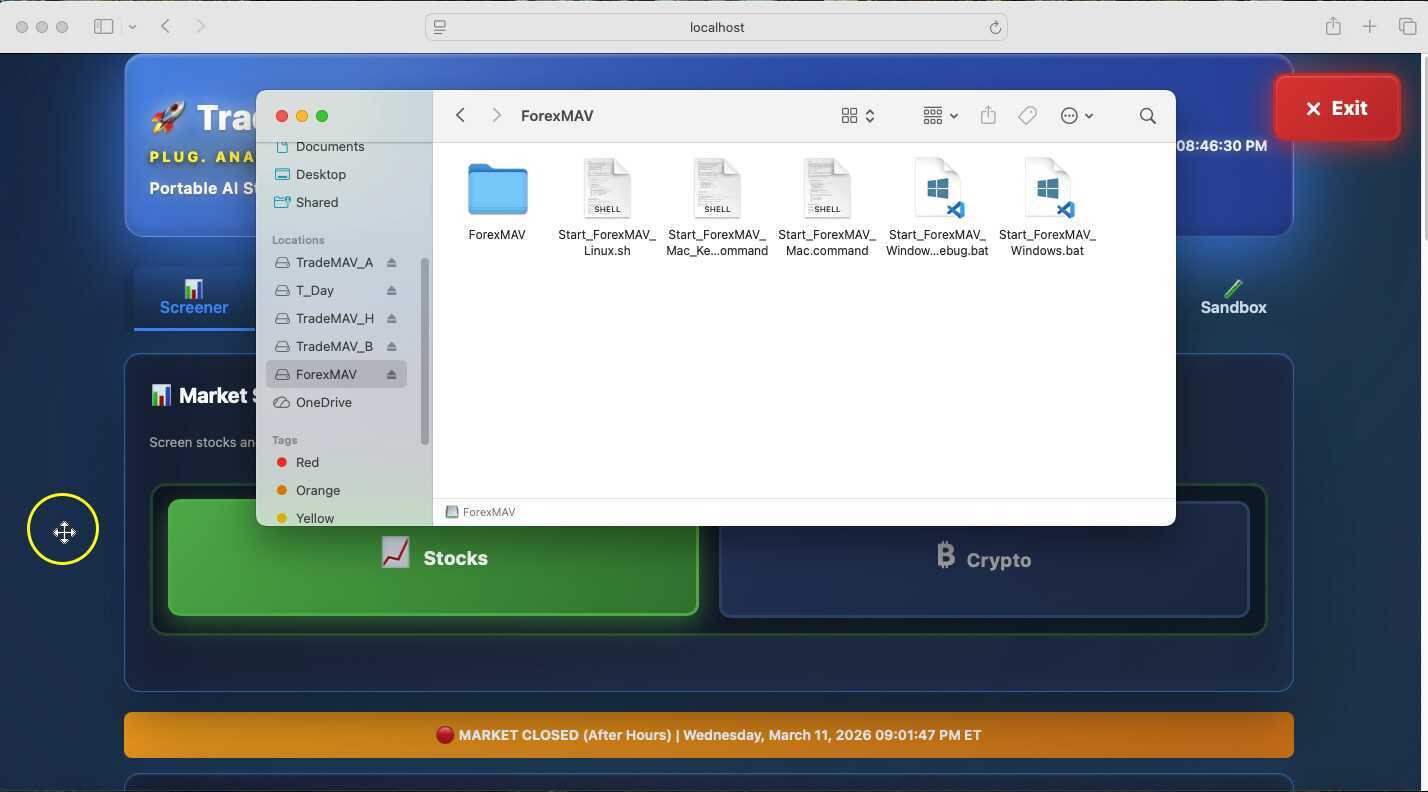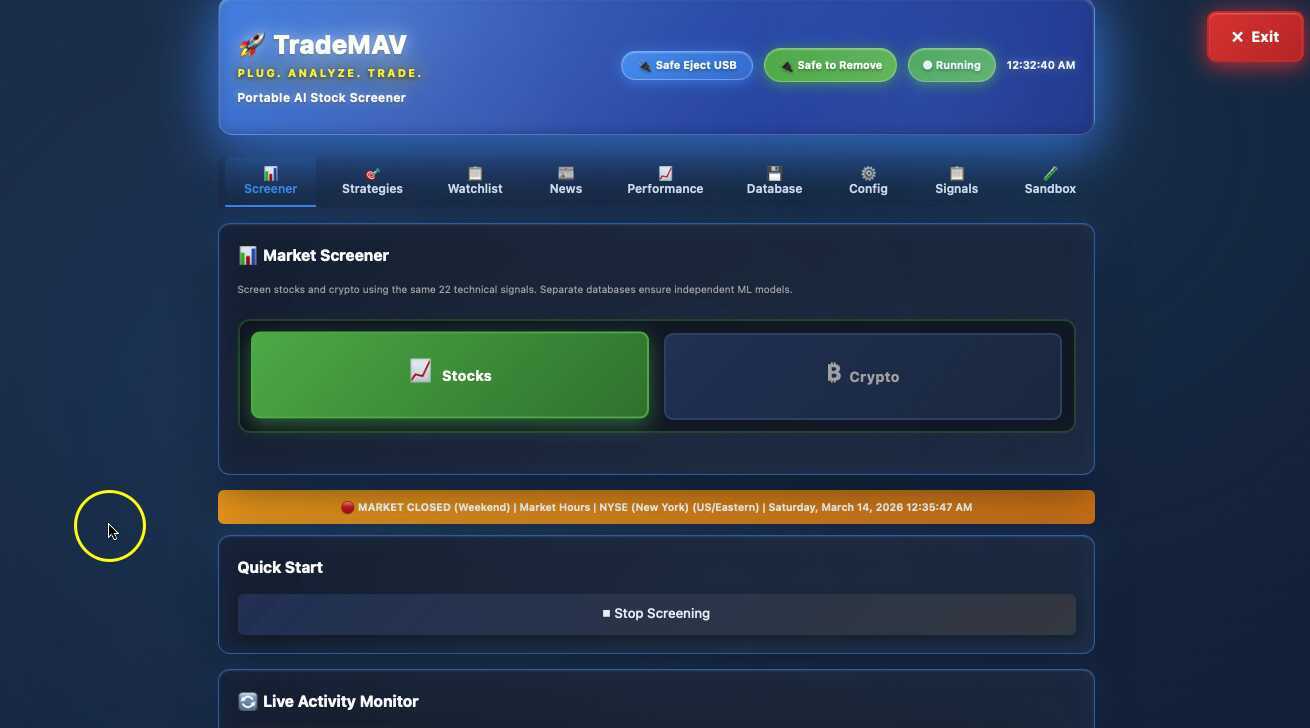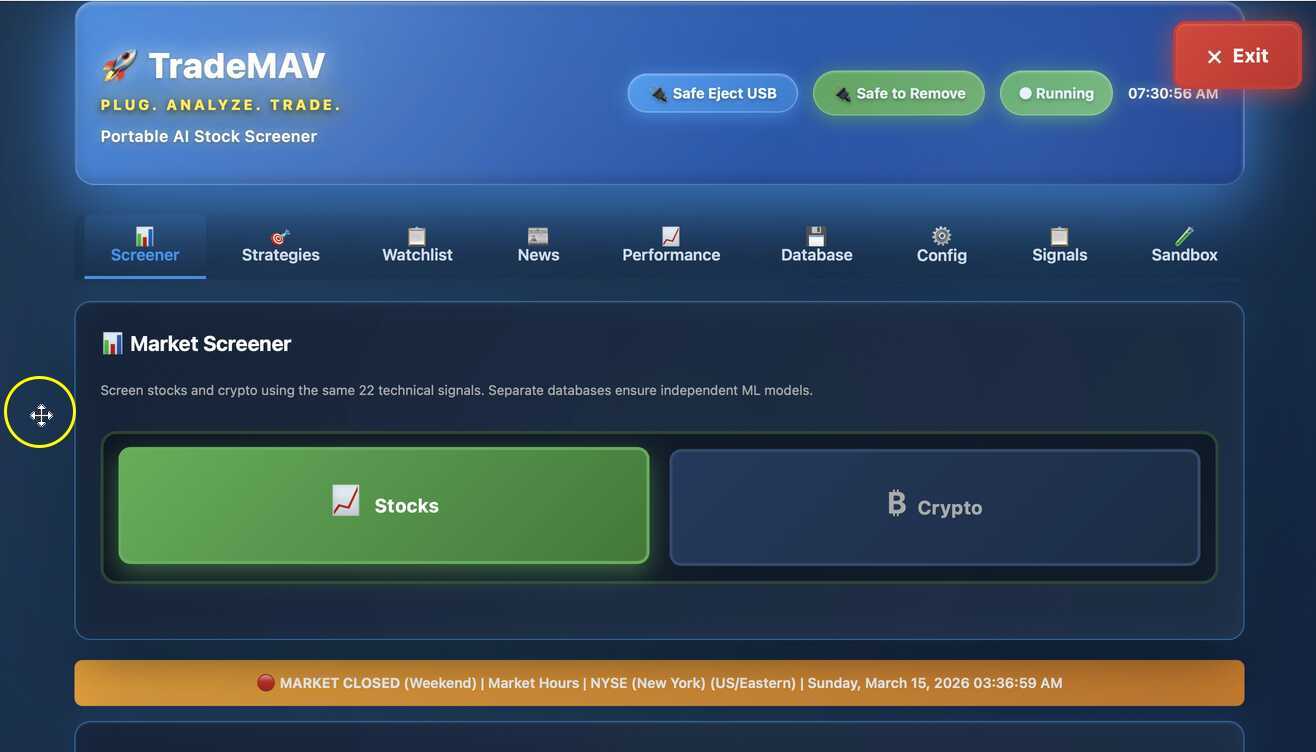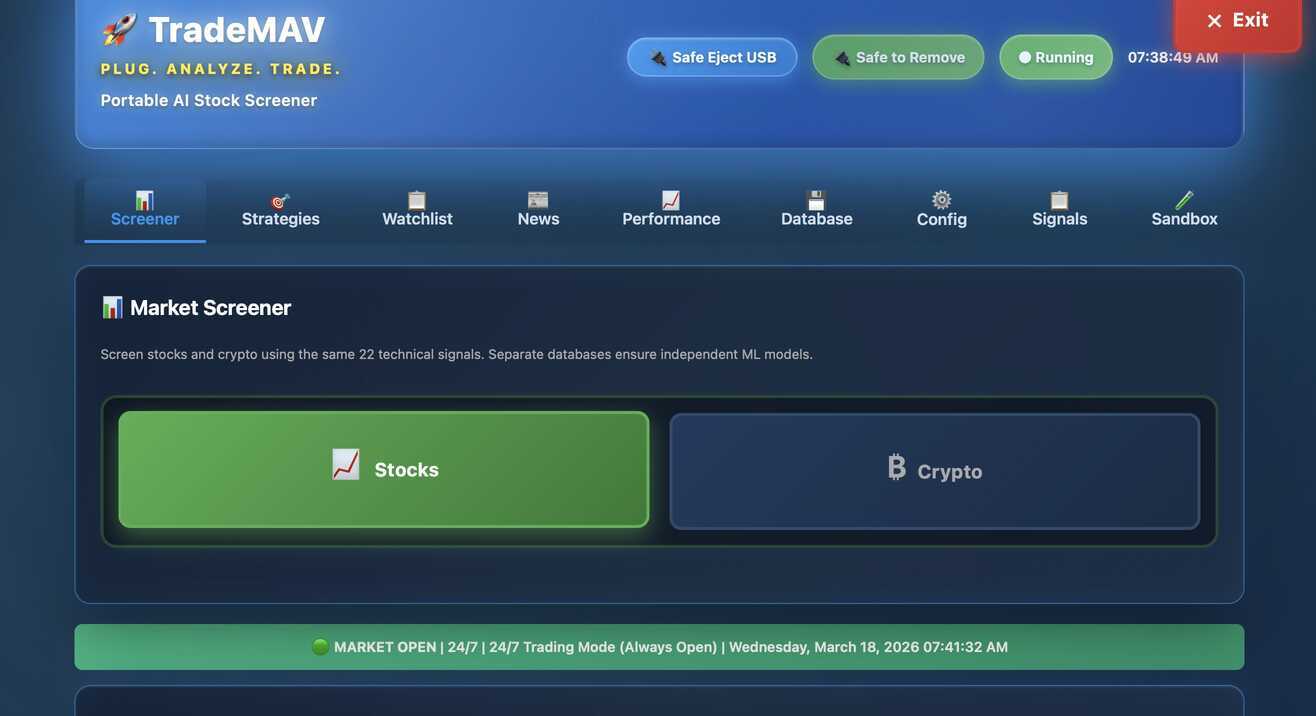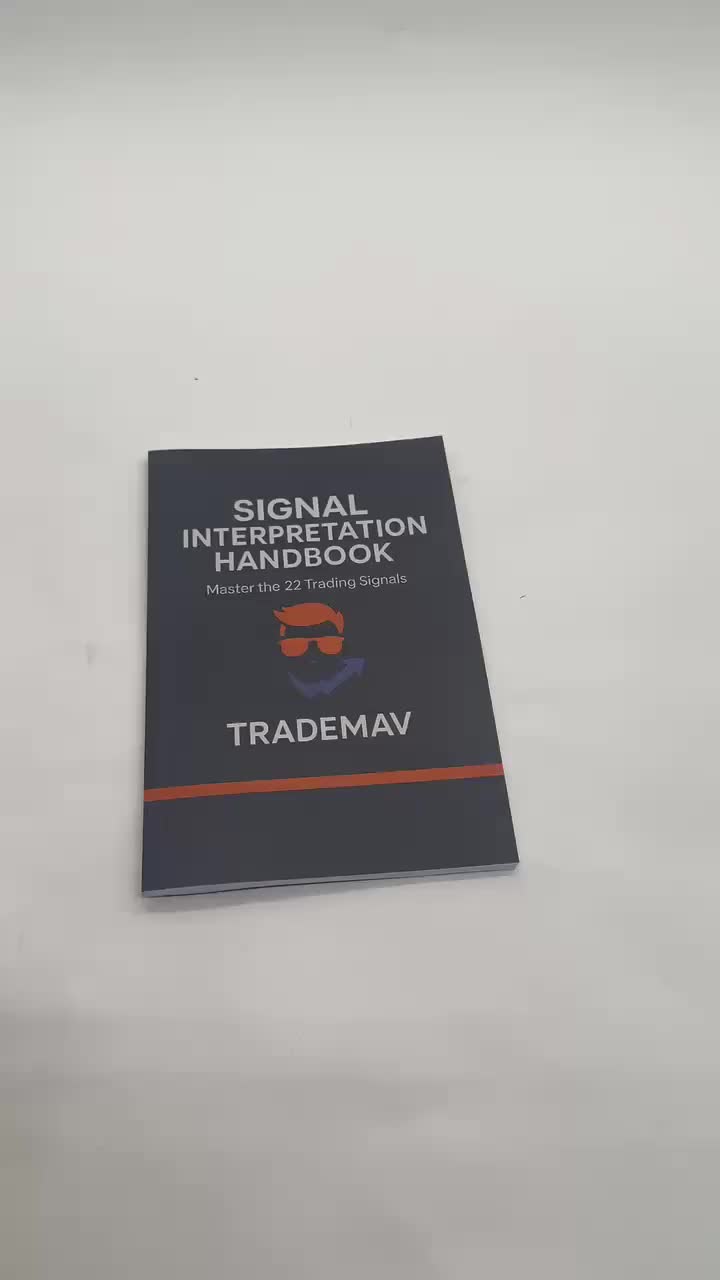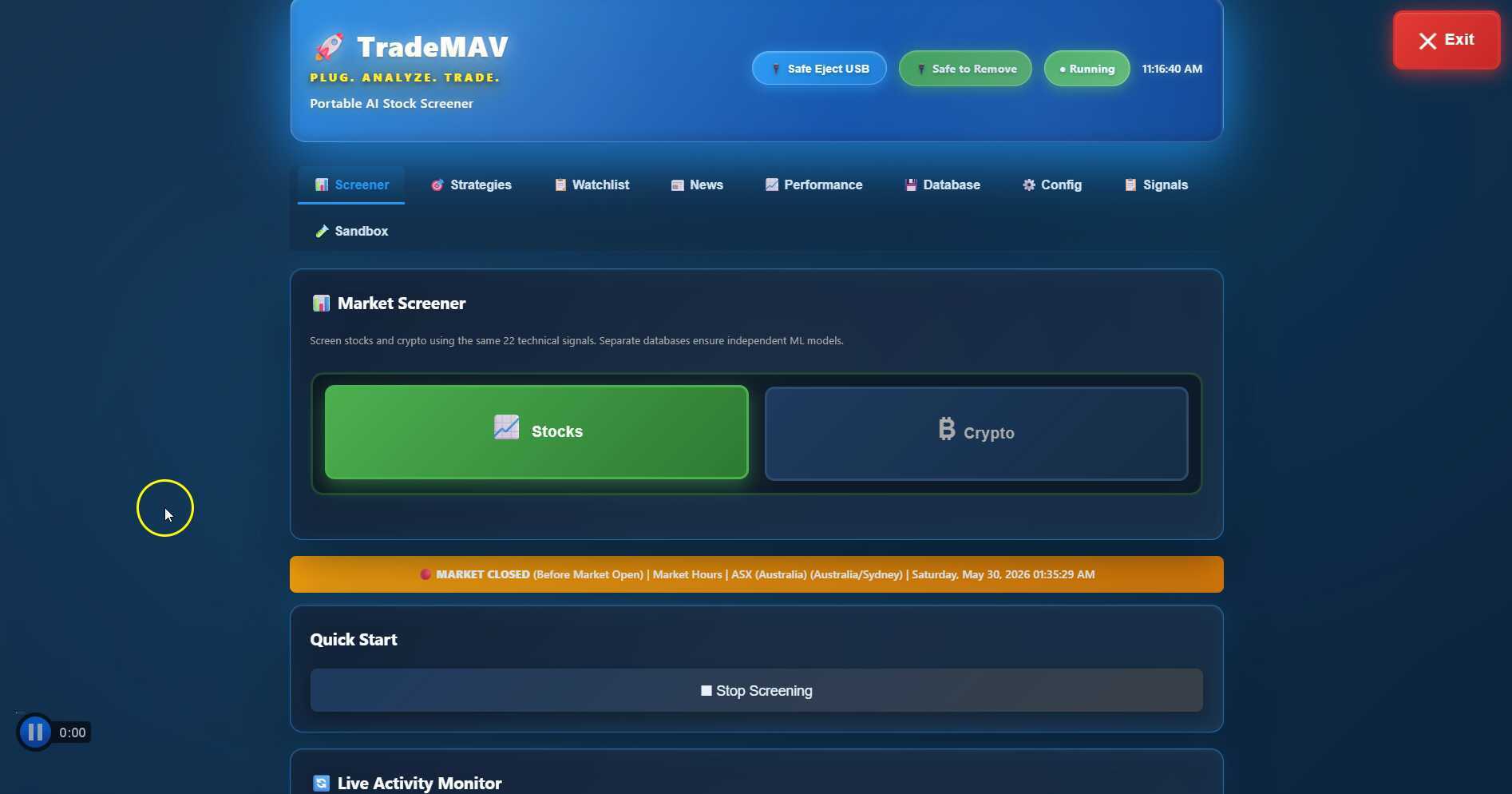
This video demonstrates how to use TradeMAV on a Mac computer, including starting the software, adjusting settings, and safely shutting it down.


|
|
|||
|
|
|||
|
|


|
|
|
 Uploaded
|
|
0:00 |
|
|
|
|
0:05 | ||
|
|
0:10 |
|
|
|
|
0:15 | ||
|
|
0:20 | ||
|
|
0:25 |
|
|
|
|
0:30 | ||
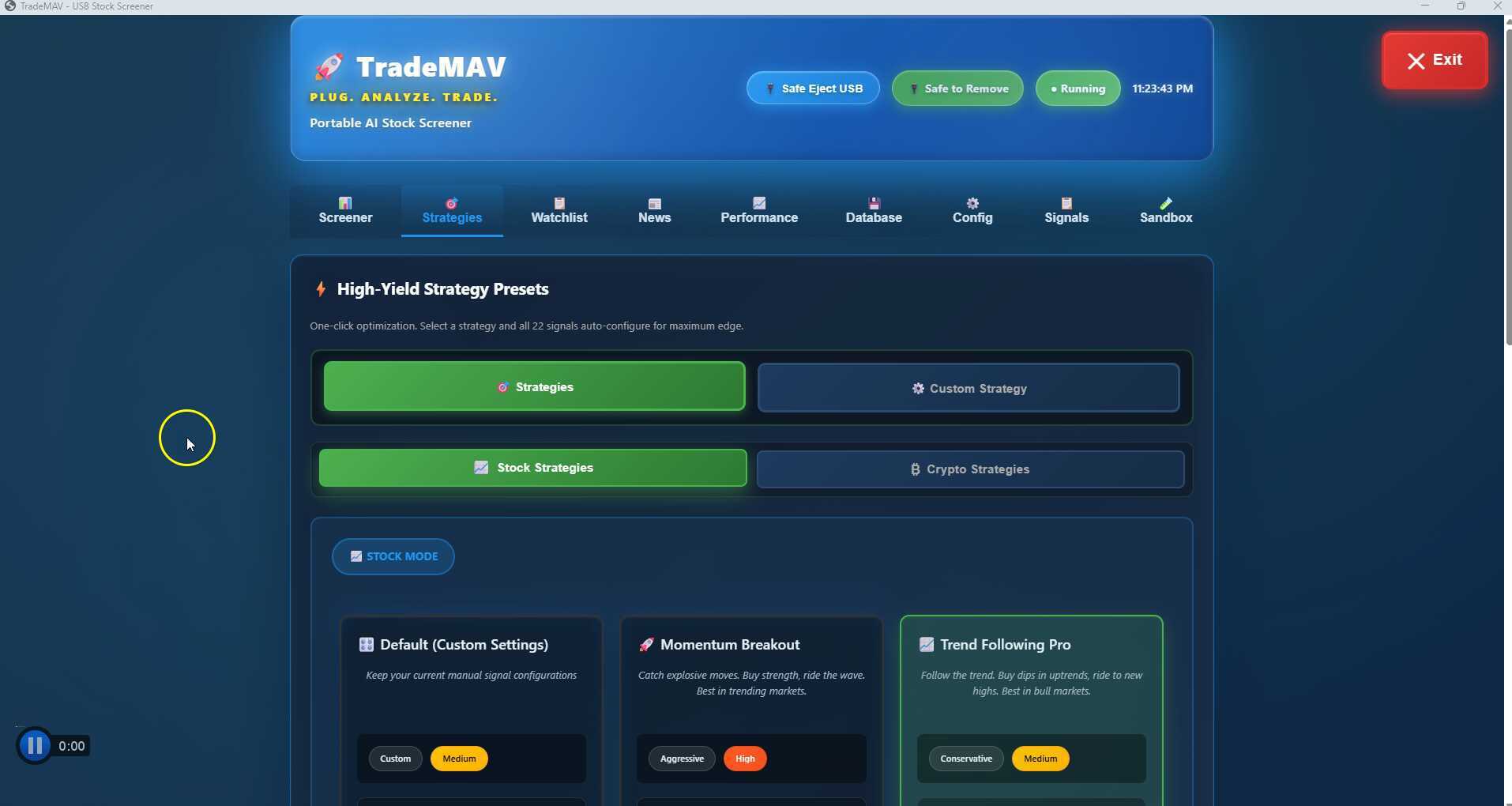
This video teaches viewers how to add different strategies to TradeMAV and customize them according to their trading preferences. It covers preset strategies, custom strategies for stocks and crypto, as well as adjusting various settings for signal firing and notifications.
|
|
|||
|
|
|||
|
|
|
|
|
Uploaded
|
|
0:00 |
|
|
|
|
0:05 | ||
|
|
0:10 |
|
|
|
|
0:15 | ||
|
|
0:20 | ||
|
|
0:25 |
|
|
|
|
0:30 | ||
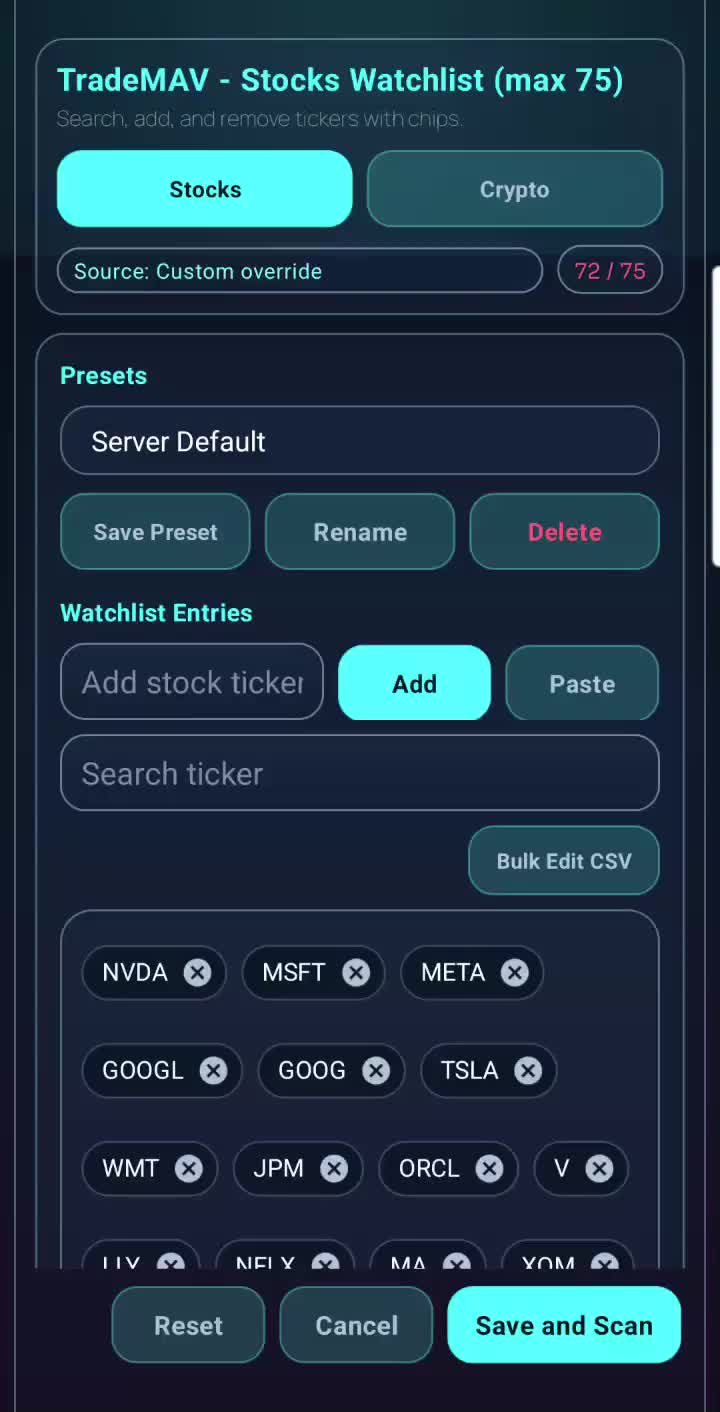
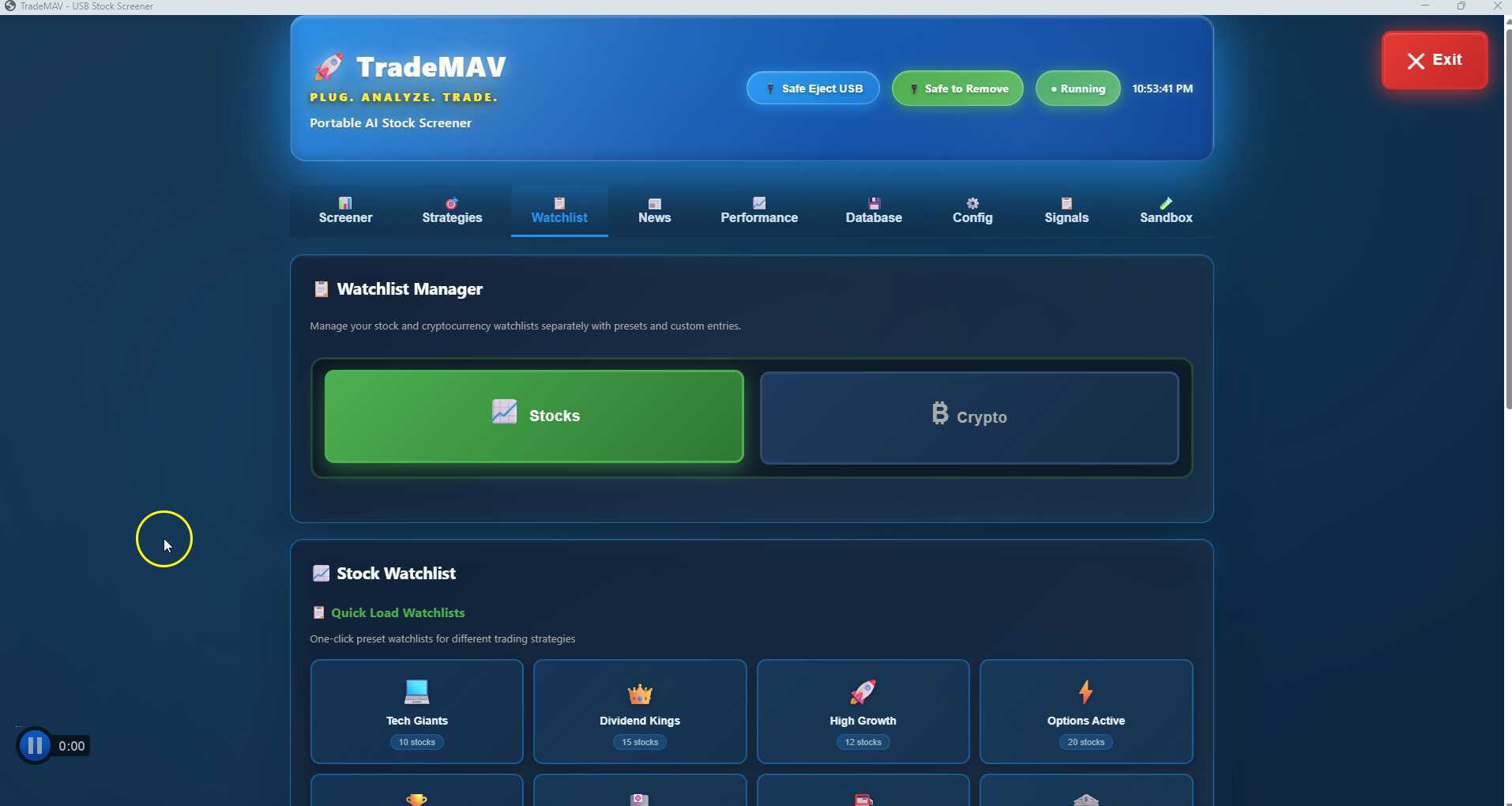
This video provides a detailed explanation of how to manage a watch list for stocks and crypto, including the differences between the two and limitations on the number of tickers that can be added in the free tier.
|
|
|||
|
|
|||
|
|
|
|
|
Uploaded
|
|
0:00 |
|
|
|
|
0:05 | ||
|
|
0:10 |
|
|
|
|
0:15 | ||
|
|
0:20 | ||
|
|
0:25 |
|
|
|
|
0:30 | ||
This video discusses the safest way to safely remove a TradeMAV USB stick, emphasizing the importance of using the Safe Eject USB button and waiting for any background activities to finish.
|
|
|||
|
|
|||
|
|
|
|
|
Uploaded
|
|
0:00 |
|
|
|
|
0:05 | ||
|
|
0:10 |
|
|
|
|
0:15 | ||
|
|
0:20 | ||
|
|
0:25 |
|
|
|
|
0:30 | ||
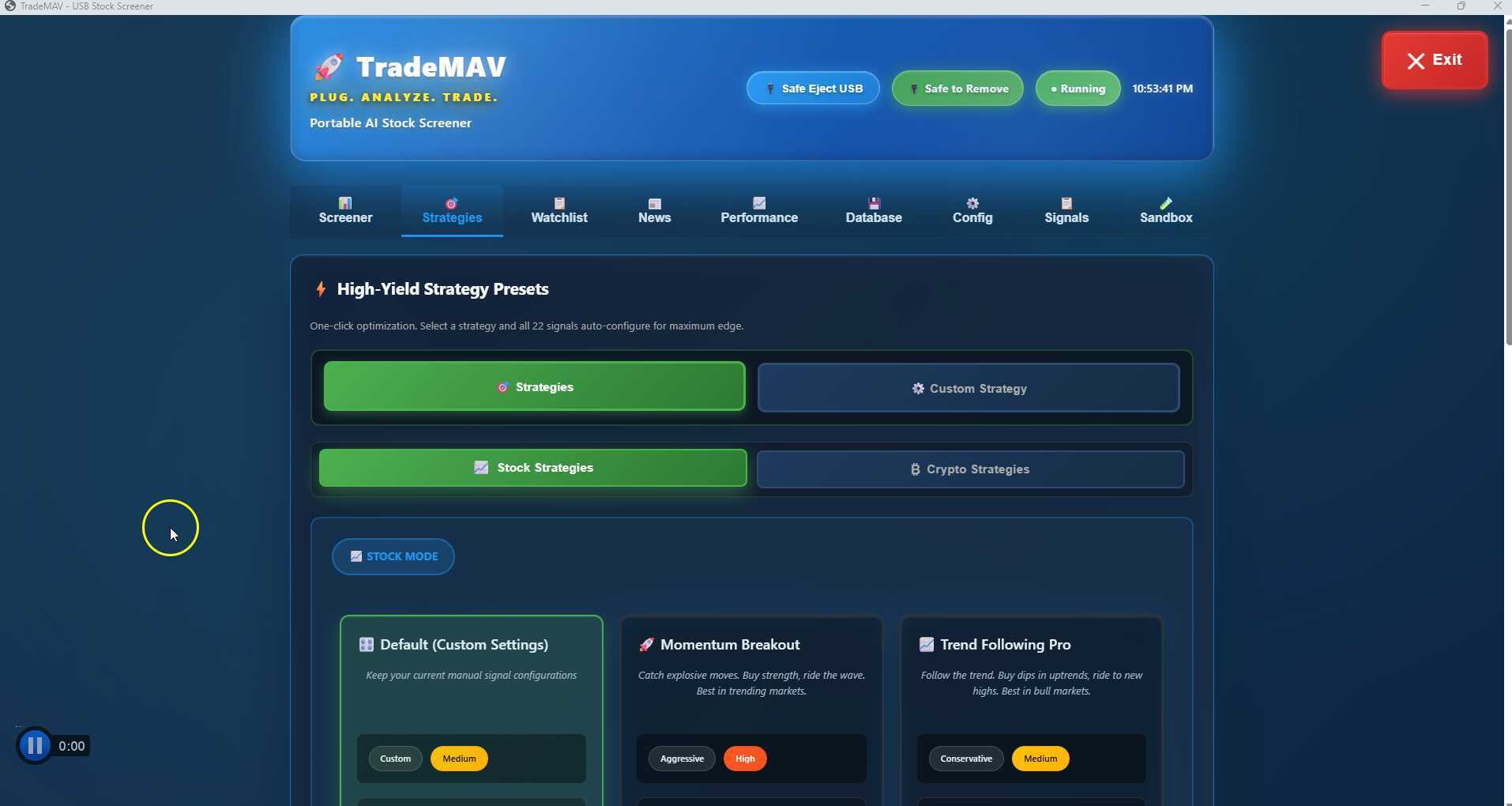
This video tutorial provides a basic overview of how to turn on and safely turn off TradeMAV using a TradeMAV USB stick on Windows PC.
|
|
|||
|
|
|||
|
|
|
|
|
Uploaded
|
|
0:00 |
|
|
|
|
0:05 | ||
|
|
0:10 |
|
|
|
|
0:15 | ||
|
|
0:20 | ||
|
|
0:25 |
|
|
|
|
0:30 | ||
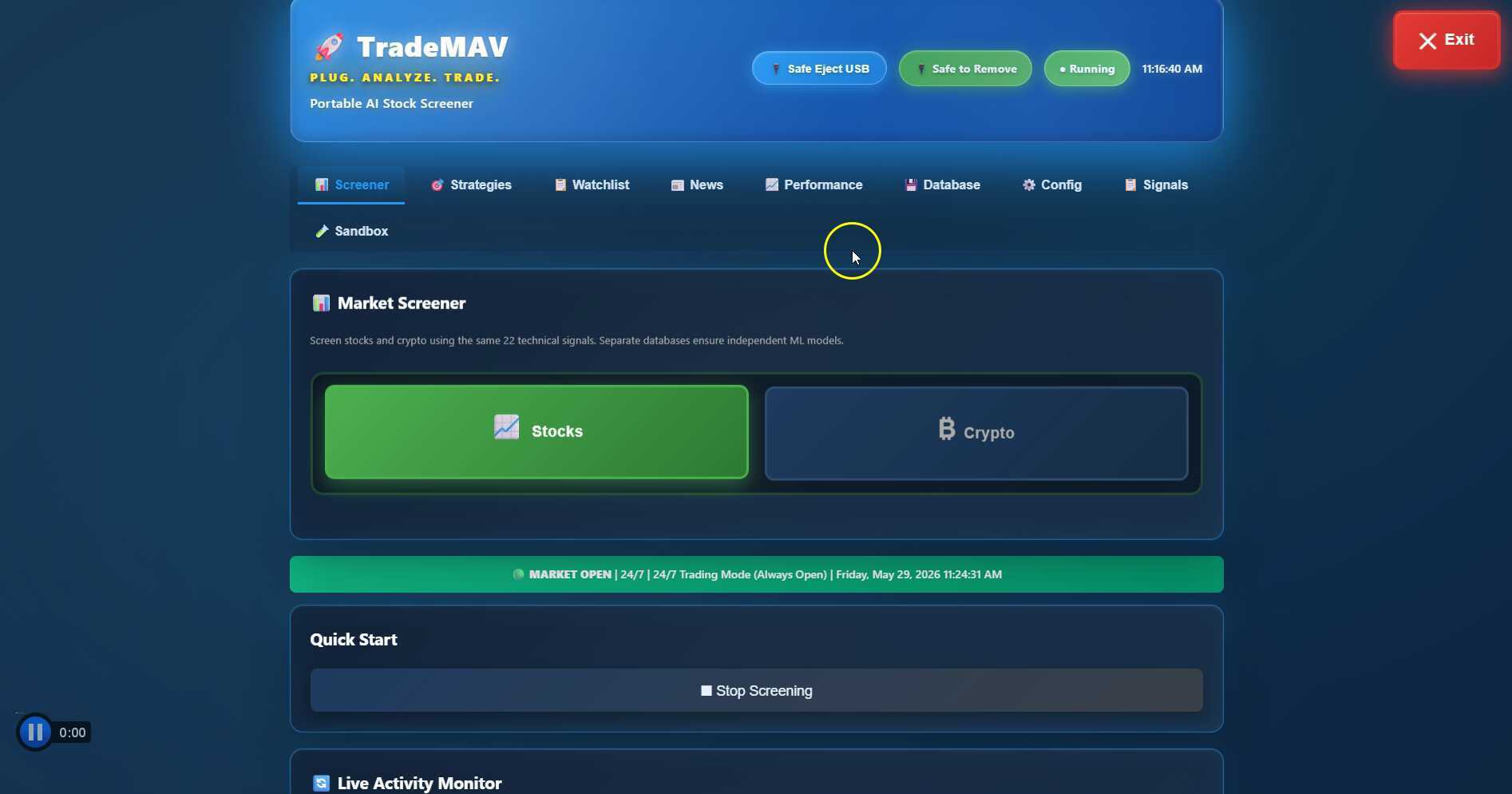
This video demonstrates how to start and stop screening for stocks and crypto using TradeMAV USB stick. It also shows how to set up signals for stock screening.
|
|
|||
|
|
|||
|
|
|
|
|
Uploaded
|
|
0:00 |
|
|
|
|
0:05 | ||
|
|
0:10 |
|
|
|
|
0:15 | ||
|
|
0:20 | ||
|
|
0:25 |
|
|
|
|
0:30 | ||
This video provides a step-by-step guide on how to set up Pushbullet notifications for TradeMAV signals, including the process of creating an access token and setting up notifications on desktop and mobile devices.
|
|
|||
|
|
|||
|
|
|
|
|
Uploaded
|
|
0:00 |
|
|
|
|
0:05 | ||
|
|
0:10 |
|
|
|
|
0:15 | ||
|
|
0:20 | ||
|
|
0:25 |
|
|
|
|
0:30 | ||
Learn how to set up telegram notifications for receiving signals and notifications in this step-by-step tutorial video.
|
|
|||
|
|
|||
|
|
|
|
|
Uploaded
|
|
0:00 |
|
|
|
|
0:05 | ||
|
|
0:10 |
|
|
|
|
0:15 | ||
|
|
0:20 | ||
|
|
0:25 |
|
|
|
|
0:30 | ||
The video discusses how to add premium platforms to the TradeMAV USB stick for advanced trading and market monitoring. It explains the process of adding premium data platforms, obtaining API keys, and switching between free and premium sources.
|
|
|||
|
|
|||
|
|
|
|
|
Uploaded
|
|
0:00 |
|
|
|
|
0:05 | ||
|
|
0:10 |
|
|
|
|
0:15 | ||
|
|
0:20 | ||
|
|
0:25 |
|
|
|
|
0:30 | ||
The video discusses how the TradeMAV stock screener is flexible for international users, especially in terms of different market hours and time zones. It explains the unique feature added to allow users to set their preferred screening schedule based on different stock exchanges across the world.
|
|
|||
|
|
|||
|
|
|
|
|
Uploaded
|
|
0:00 |
|
|
|
|
0:05 | ||
|
|
0:10 |
|
|
|
|
0:15 | ||
|
|
0:20 | ||
|
|
0:25 |
|
|
|
|
0:30 | ||
This video provides instructions on how to activate a full lifetime license for a USB stick. It covers the process for those who purchased the stick from Kickstarter and those who bought a license key separately.
|
|
|||
|
|
|||
|
|
|
|
|
Uploaded
|
|
0:00 |
|
|
|
|
0:05 | ||
|
|
0:10 |
|
|
|
|
0:15 | ||
|
|
0:20 | ||
|
|
0:25 |
|
|
|
|
0:30 | ||
A brief introduction to the News tab feature on TradeMAV, which allows users to track news relevant to the stocks in their watch list and receive notifications for new news on specific tickers.
|
|
|||
|
|
|||
|
|
|
|
|
Uploaded
|
|
0:00 |
|
|
|
|
0:05 | ||
|
|
0:10 |
|
|
|
|
0:15 | ||
|
|
0:20 | ||
|
|
0:25 |
|
|
|
|
0:30 | ||
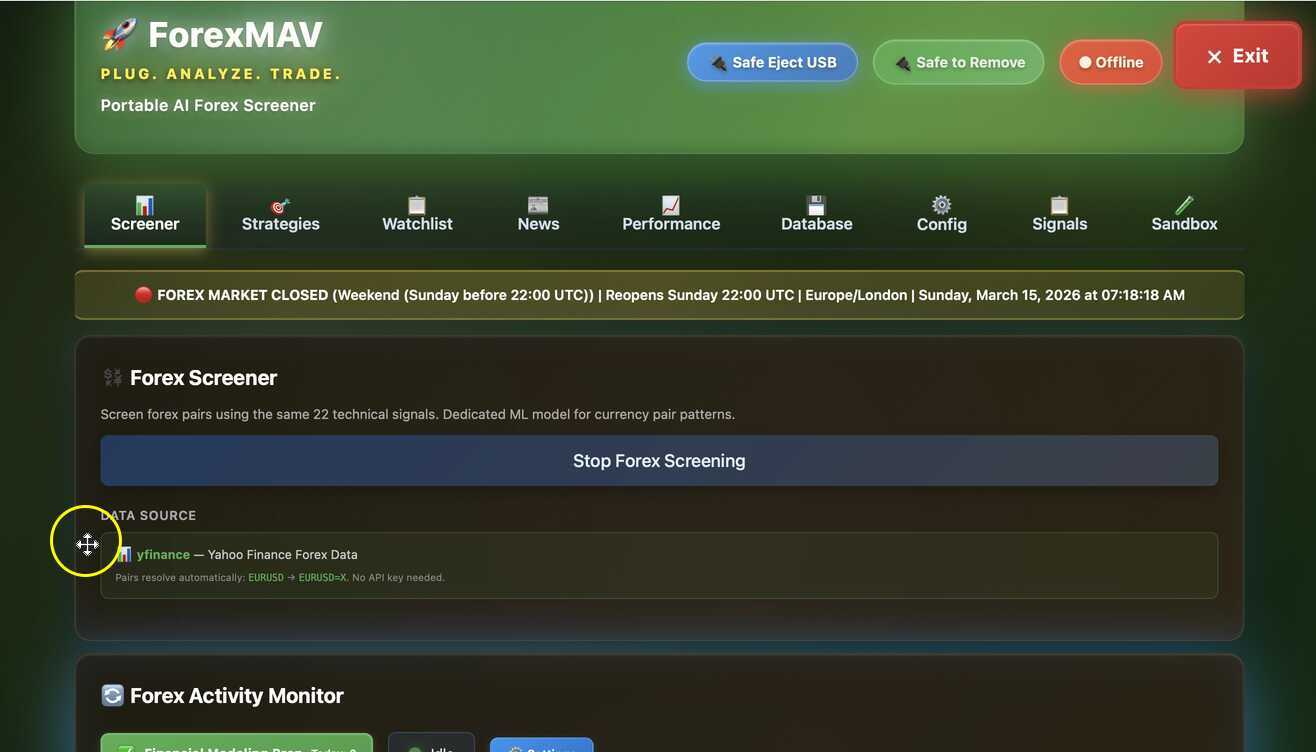
This video introduces viewers to ForexMAV, a Forex screener, and demonstrates how it works on a Mac Mini. The interface, signals, news, and watch list features are highlighted, showing how it differs and is similar to TradeMAV.
|
|
|||
|
|
|||
|
|
|
|
|
Uploaded
|
|
0:00 |
|
|
|
|
0:05 | ||
|
|
0:10 |
|
|
|
|
0:15 | ||
|
|
0:20 | ||
|
|
0:25 |
|
|
|
|
0:30 | ||
This video introduces the sandbox feature on TradeMAV, which allows users to try and share different trading strategies without influencing their main screening. The video explains how to download strategy cards, use them in the sandbox, and promote successful strategies to the main profile.
|
|
|||
|
|
|||
|
|
|
|
|
Uploaded
|
|
0:00 |
|
|
|
|
0:05 | ||
|
|
0:10 |
|
|
|
|
0:15 | ||
|
|
0:20 | ||
|
|
0:25 |
|
|
|
|
0:30 | ||
The video discusses how the Forex Mav detects the user's location in London and adjusts its screening schedule based on the market hours in that timezone. It also compares the functionality of Forex Mav with Trademap and demonstrates how to set up a 24/7 screener.
|
|
|||
|
|
|||
|
|
|
|
|
Uploaded
|
|
0:00 |
|
|
|
|
0:05 | ||
|
|
0:10 |
|
|
|
|
0:15 | ||
|
|
0:20 | ||
|
|
0:25 |
|
|
|
|
0:30 | ||
A demonstration of using the TradeMAV in London to track international stocks and configure market hours.
|
|
|||
|
|
|||
|
|
|
|
|
Uploaded
|
|
0:00 |
|
|
|
|
0:05 | ||
|
|
0:10 |
|
|
|
|
0:15 | ||
|
|
0:20 | ||
|
|
0:25 |
|
|
|
|
0:30 | ||
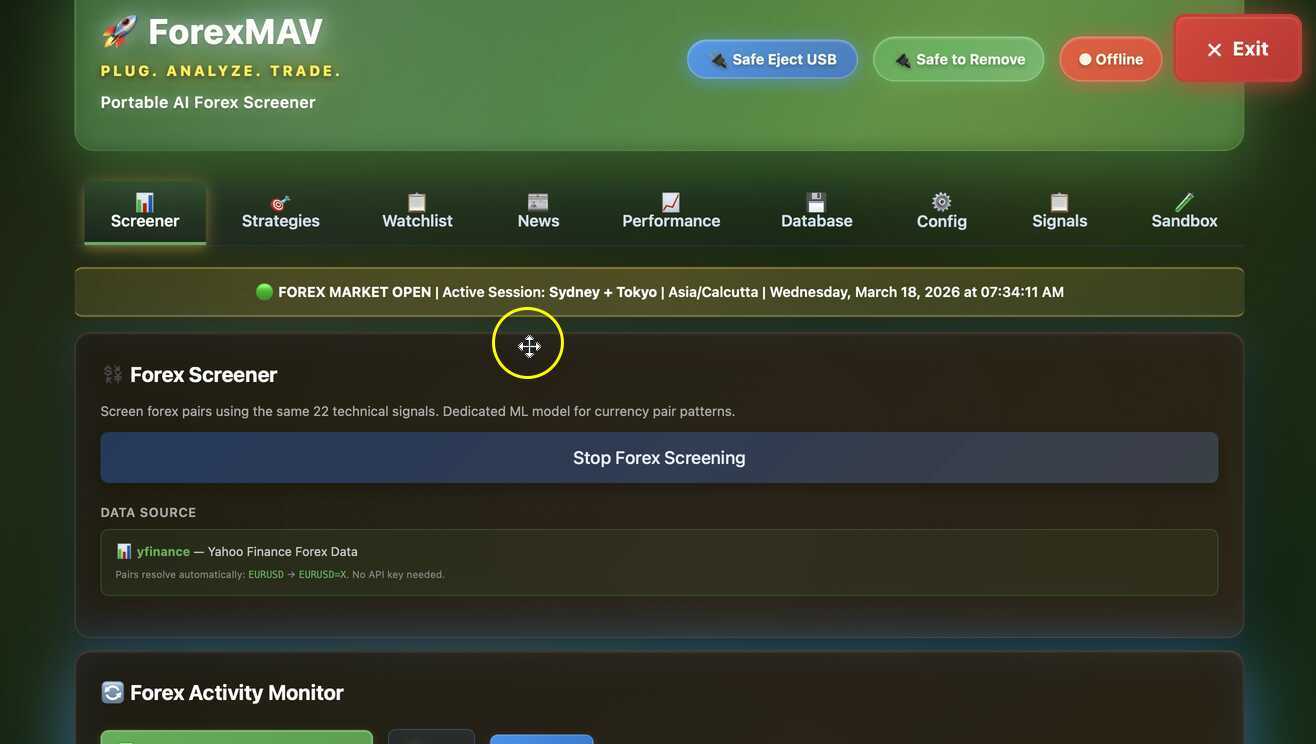
A demonstration of using a ForexMAV in India to access the current liquid forex market internationally.
|
|
|||
|
|
|||
|
|
|
|
|
Uploaded
|
|
0:00 |
|
|
|
|
0:05 | ||
|
|
0:10 |
|
|
|
|
0:15 | ||
|
|
0:20 | ||
|
|
0:25 |
|
|
|
|
0:30 | ||
The video provides a demonstration of how to add Indian stocks to a TradeMAV watchlist while in India. It includes steps to change the time zone, add the stock ticker, and the demonstration of the stock being added to the watchlist.
|
|
|||
|
|
|||
|
|
|
|
|
Uploaded
|
|
0:00 |
|
|
|
|
0:05 | ||
|
|
0:10 |
|
|
|
|
0:15 | ||
|
|
0:20 | ||
|
|
0:25 |
|
|
|
|
0:30 | ||
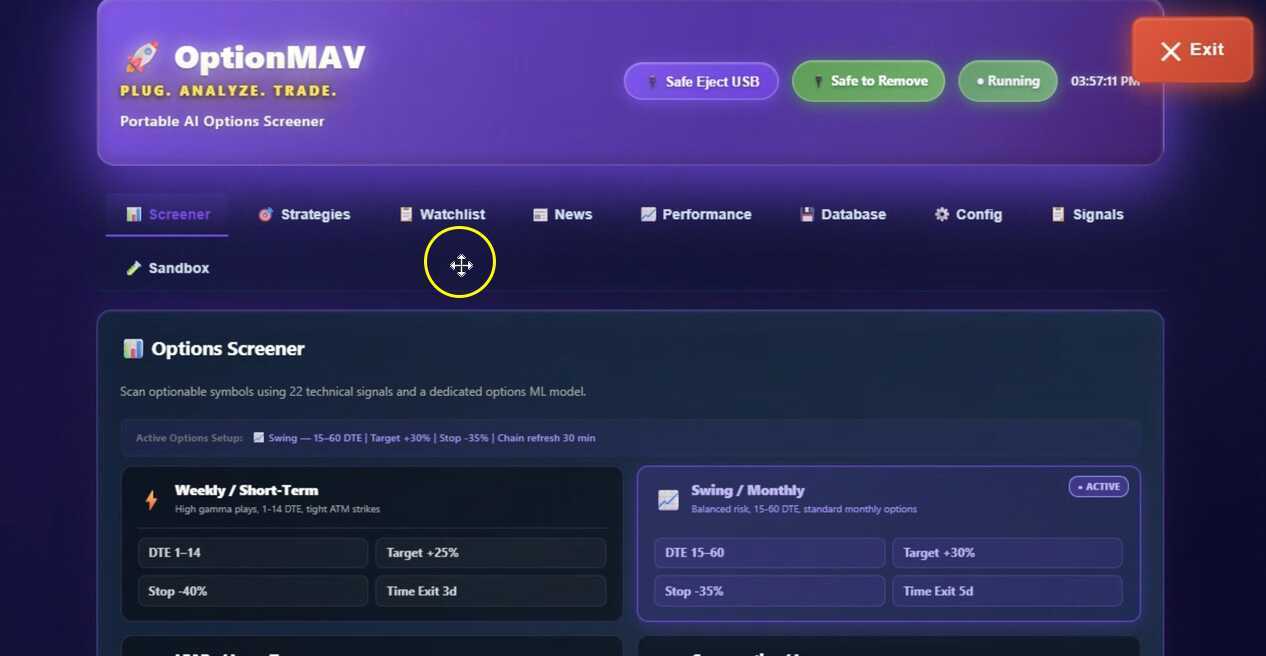
This video showcases multiple features of the OptionMAV dashboard, including profile selection, income signals, screening options, market information, signals display, strategy selection, watch list customization, portfolio position management, news and performance tabs, and notification settings.
|
|
|||
|
|
|||
|
|
|
|
|
Uploaded
|
|
0:00 |
|
|
|
|
0:05 | ||
|
|
0:10 |
|
|
|
|
0:15 | ||
|
|
0:20 | ||
|
|
0:25 |
|
|
|
|
0:30 | ||
|
|
|||
|
|
|||
|
|
|
|
|
Uploaded
|
|
0:00 |
|
|
|
|
0:05 | ||
|
|
0:10 |
|
|
|
|
0:15 | ||
|
|
0:20 | ||
|
|
0:25 |
|
|
|
|
0:30 | ||
|
|
|||
|
|
|||
|
|
|
|
|
Uploaded
|
|
0:00 |
|
|
|
|
0:05 | ||
|
|
0:10 |
|
|
|
|
0:15 | ||
|
|
0:20 | ||
|
|
0:25 |
|
|
|
|
0:30 | ||

![TradeMAV USB Tutorial [Windows]: Basic Interface and Shutdown Process](https://d1ka0itfguscri.cloudfront.net/C7Ob/2026/02/27/05/04/cOnthfn0Rrw/preview.jpg)